
Aesthetic clinic online booking: let clients book themselves, and close bookings in chat
Clients want to book at 11pm, over Zalo or through a link, without waiting for a call back. This guide explains what aesthetic clinic online booking should do: let clients book themselves, let consultants close bookings inside the chat, and make sure the front desk misses none of them.
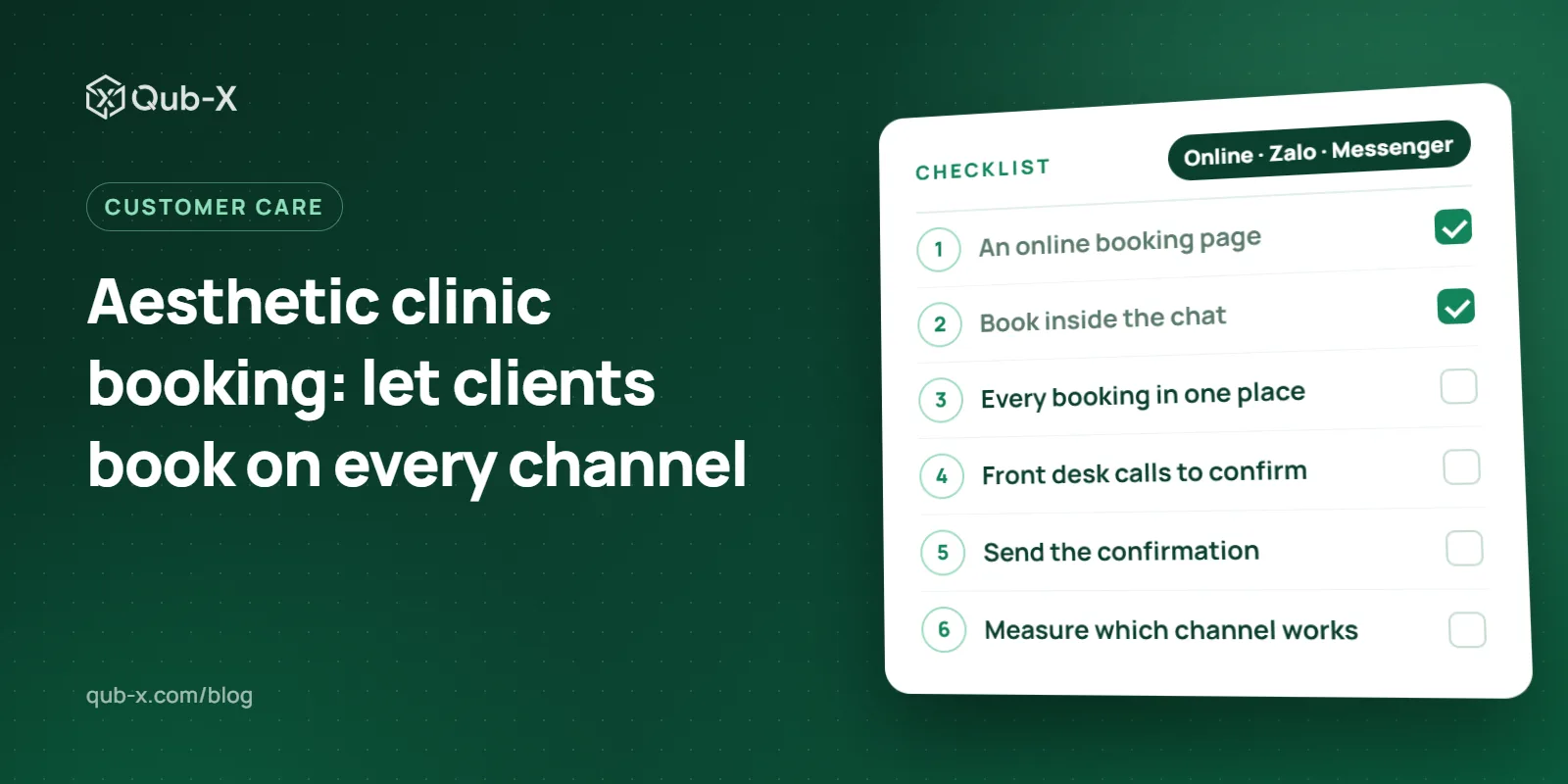
Aesthetic clinic online booking lets clients book the way they already like to: picking a time themselves on a booking page, or messaging on Zalo or Messenger and getting booked right inside the chat. Wherever a booking starts, it should land on the same appointment board, marked unconfirmed for the front desk to call back. This guide covers each way clients book, what to set up, how to measure which channel brings clients in, and how to choose the software.
How do clients want to book?
Most clients no longer phone to book. They message, often in the evening or over lunch, and expect a quick answer. Others just want to tap a link, pick a time and be done, without talking to anyone.
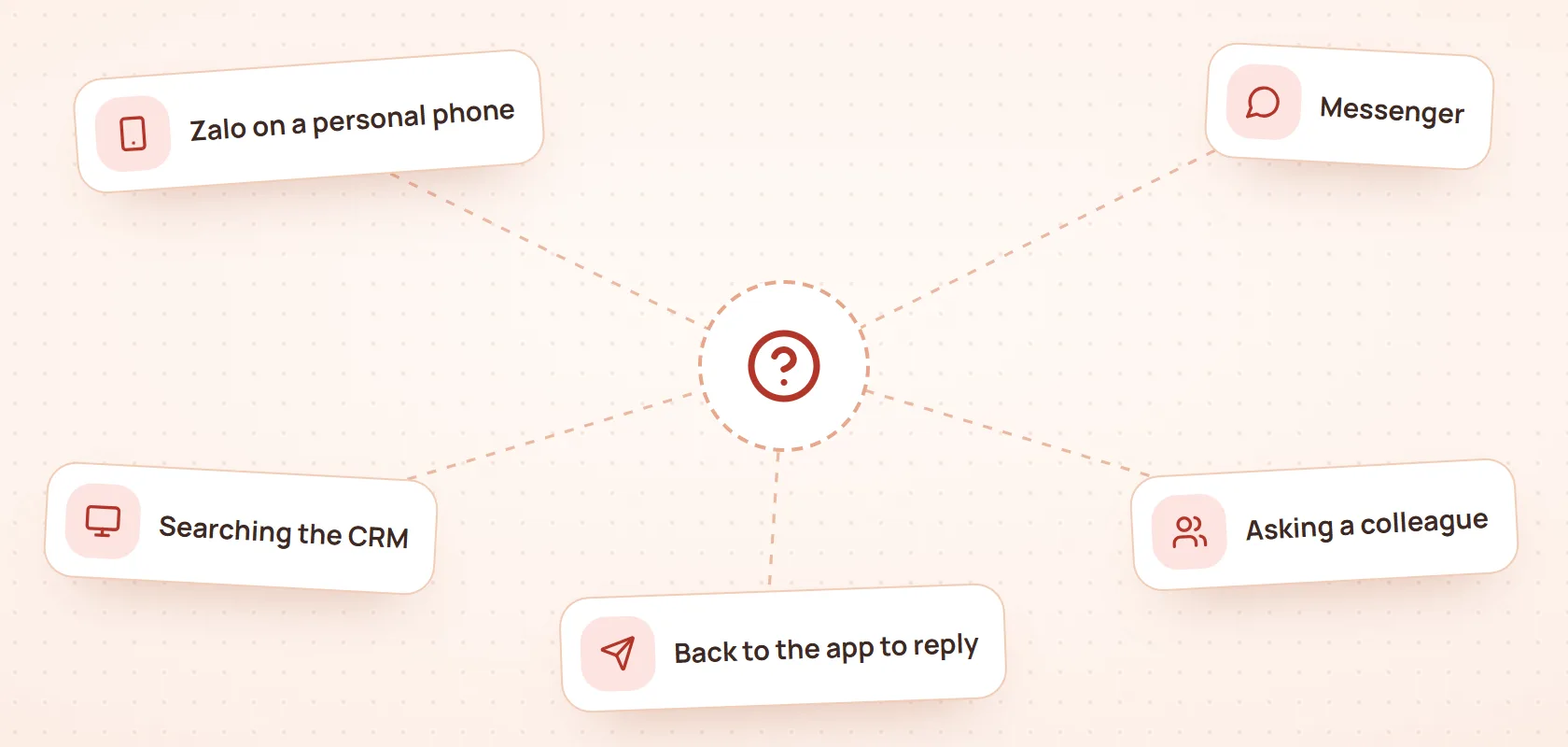
The problem is on the clinic's side, where each channel lives somewhere different: Zalo on a consultant's own phone, Messenger on a desktop, calls at the front desk. To close one booking, a consultant asks a colleague for a free slot, looks the client up in the software, then goes back to the app to reply. Messages that arrive during a rush slip by, and a client who gets no answer often books somewhere else.
Good booking software fixes both sides: clients book on the channel they prefer, and the clinic receives every booking in one place.
What is aesthetic clinic online booking software? How is it different from a notebook or Google Form?
Aesthetic clinic online booking software is the part that lets clients book and puts those bookings into the clinic's system: an online page where clients choose a time themselves, and tools for consultants to create a booking the moment a client messages. It differs from the internal calendar in that it faces the client; how rooms, beds and machines are scheduled inside the clinic is covered in aesthetic clinic scheduling software.
Notebook, Google Form | Online booking software | |
|---|---|---|
Client sees free times | No, has to ask | Yes, per branch |
Days off, full time slots | Answered by hand | Hidden on the booking page |
Booking enters the system | Copied by hand | Lands on the appointment board |
New or returning client | Has to be looked up | Tied to the client record |
Confirmation to the client | Typed from a personal phone | Sent from the system, on the client's channel |
Which channel the client came from | Unknown | Booking source recorded |
Online self-booking: where does it go, and who confirms?
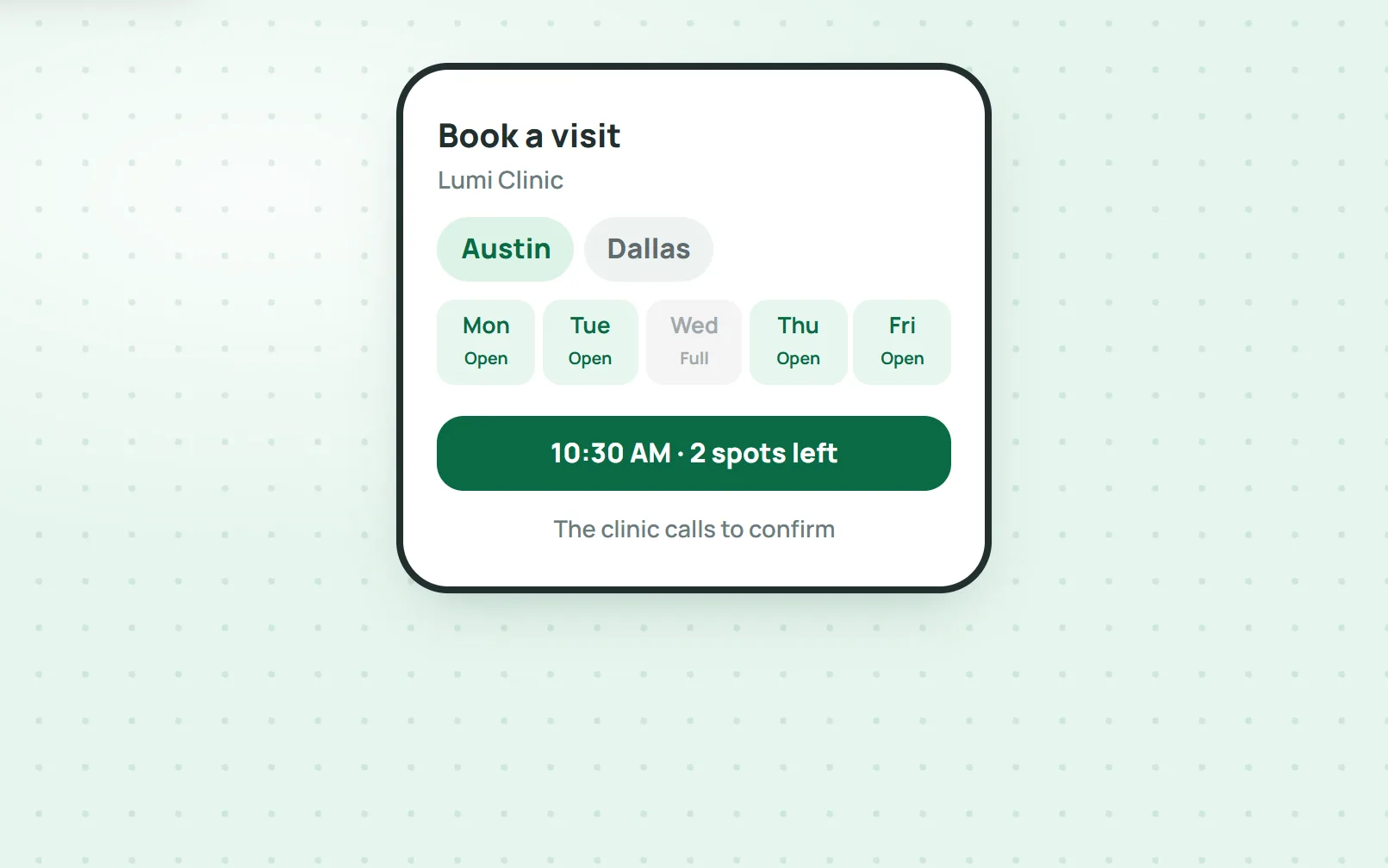
The online booking page is the clinic's own link, which can go on its Zalo OA, Facebook page, Instagram, website or Google profile. Clients open it, choose a branch, the service they want, an open date and time, and leave their name and phone number. For the page to work properly, you need to set:
Opening hours for each day and public holidays, so clients cannot book when the clinic is closed.
A maximum number of clients per time slot, so peak hours are not overbooked.
The list of services clients can choose, named in plain words rather than internal codes.
The page language, if you have international clients.
Where online bookings land, and who confirms them
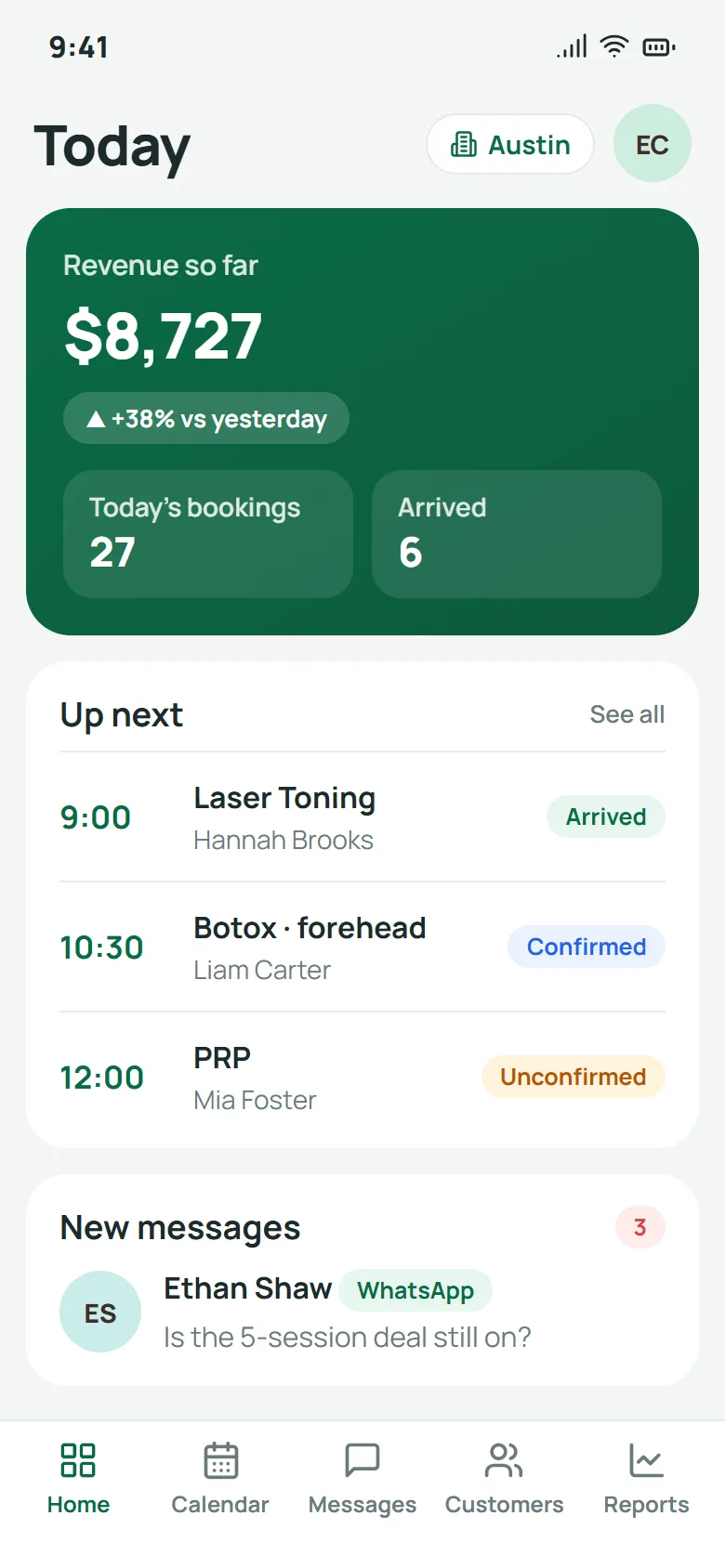
Self-bookings should land straight on the shared appointment board, but marked unconfirmed and with the source recorded as online. The front desk calls or messages back to settle the service and the doctor or technician, asks about skin condition or allergies if needed, then marks the booking confirmed. Clients keep the convenience, and the clinic keeps control of the real calendar.
Set a clear rule: how quickly online bookings must be confirmed, for example within 30 minutes during opening hours, and who is responsible on each shift.
Booking by message: close it inside the inbox
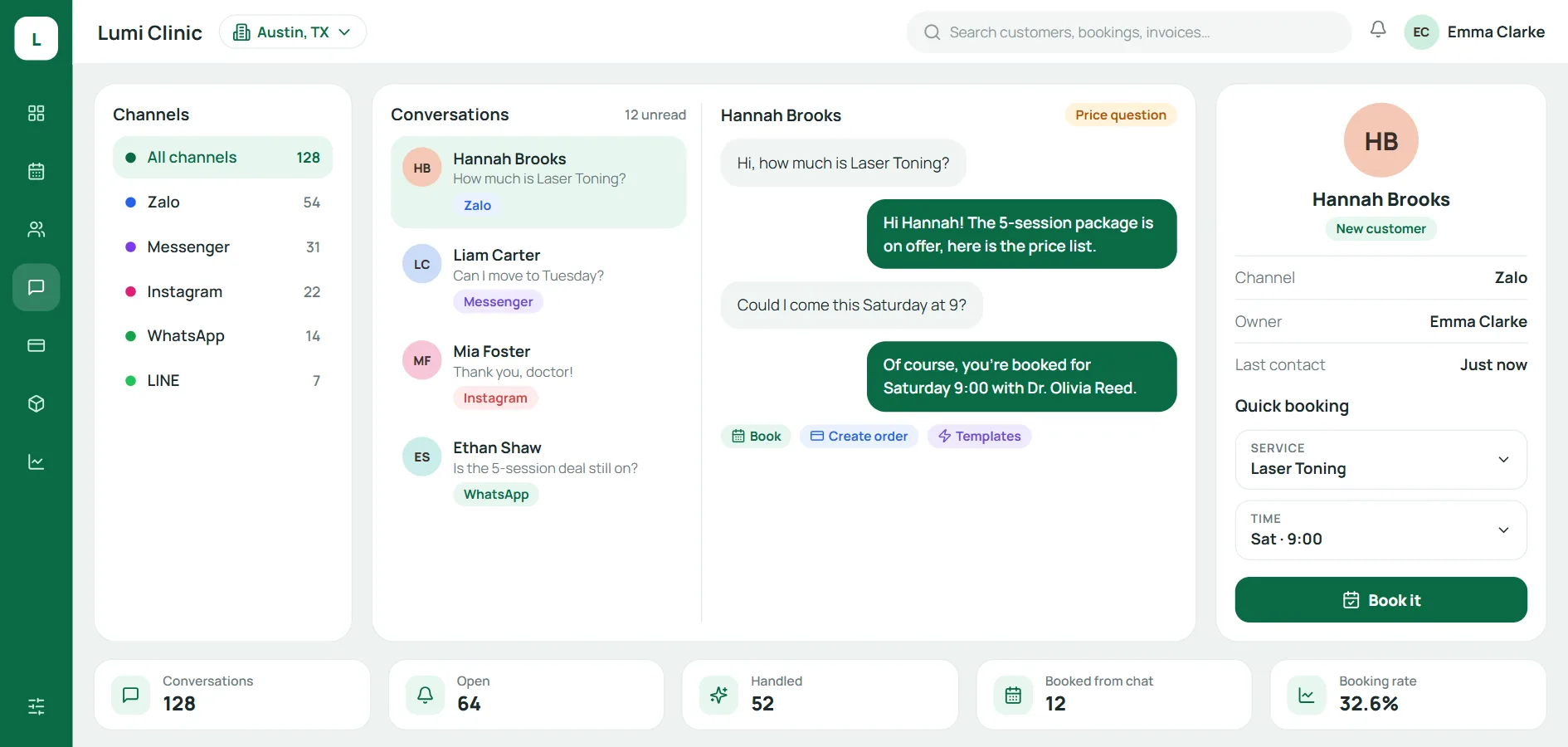
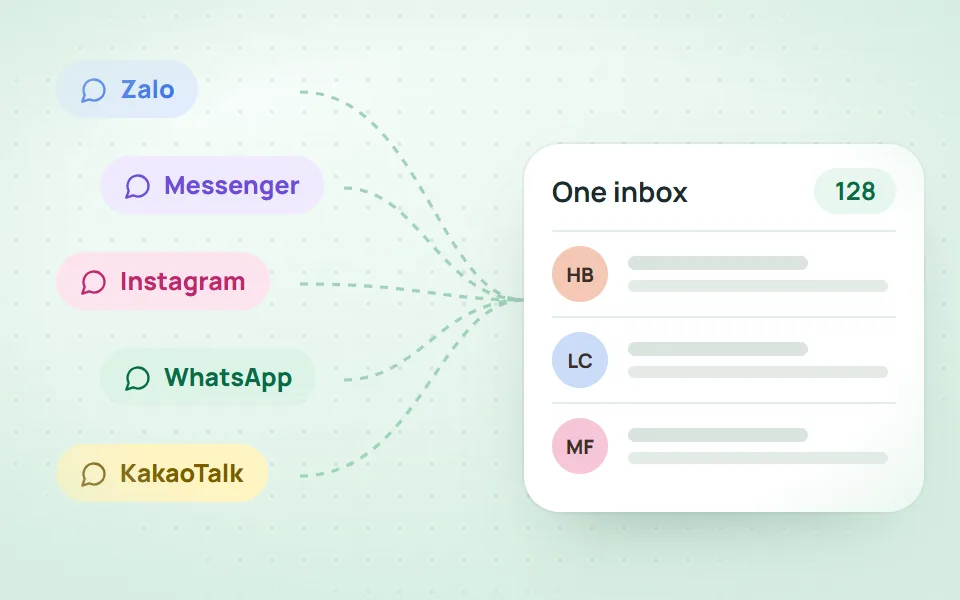
With clients who message, the key is to close the booking inside the chat, before they change their mind. That needs every channel's messages in one shared inbox the whole team can see, instead of on individual phones; our guide to the multichannel inbox covers how.
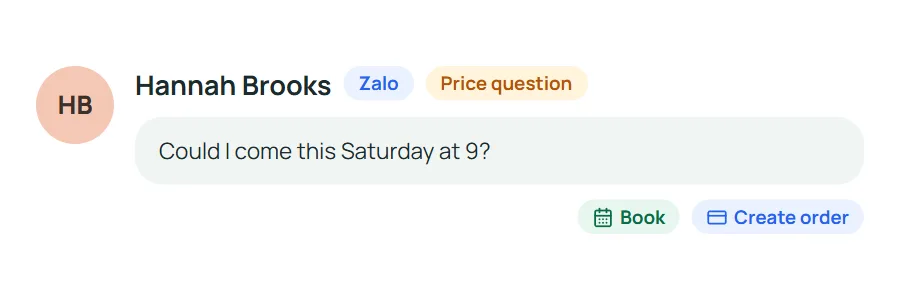
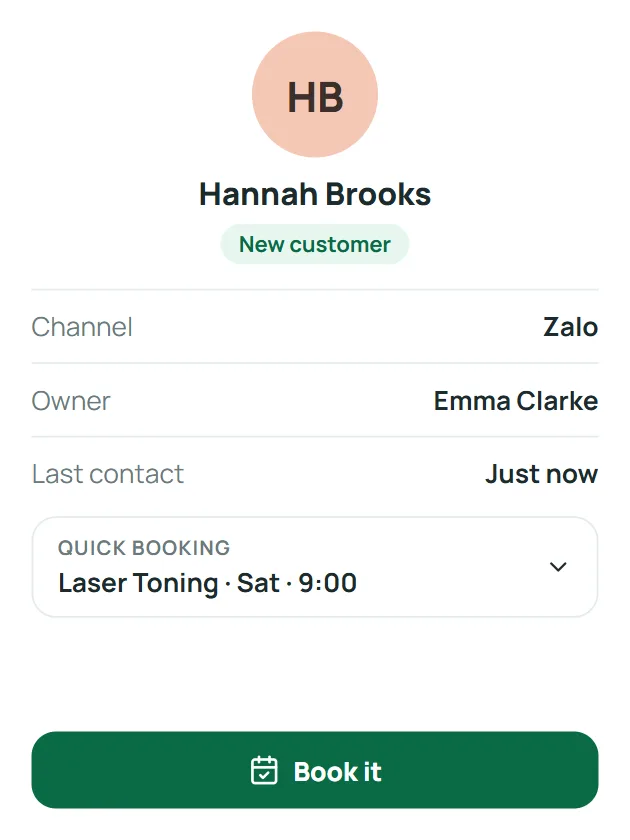
Once the client agrees on a time, the booking panel opens next to the chat with the name and phone number already filled in. The consultant picks the service, time and branch, and sends the confirmation back on the channel the client is using. If a client writes from a new account but already has a record, linking the two keeps their treatment history. Repeated questions about prices, address and opening hours deserve quick-reply templates, so consultants can spend their time on the consultation itself.
International clients book on their own apps
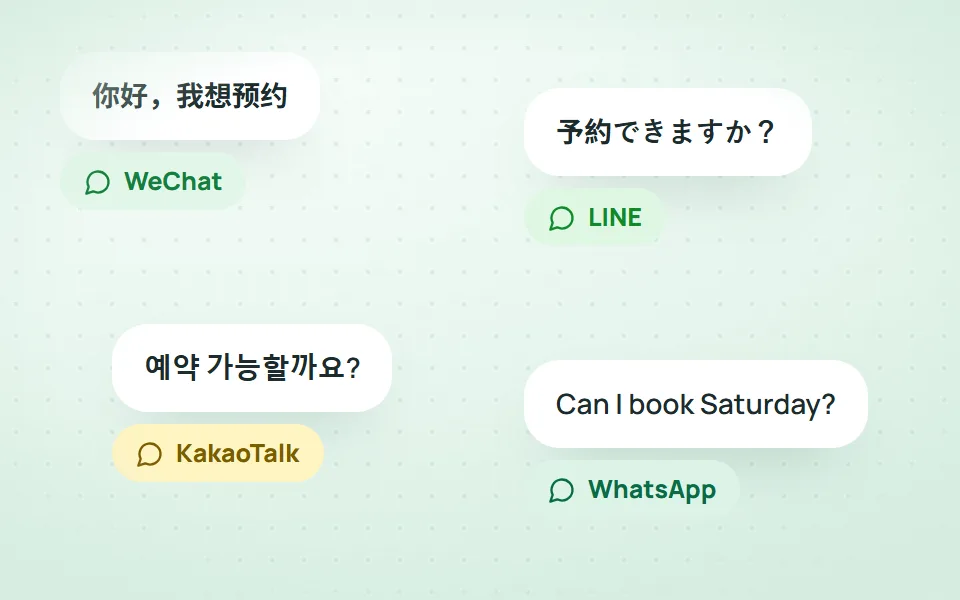
Clinics in tourist areas, or near large expatriate communities, often get messages from apps Vietnamese clients rarely use: Chinese clients on WeChat, Japanese clients on LINE, Korean clients on KakaoTalk, English speakers on WhatsApp. If each channel needs its own phone, messages will be missed.
For these clients, booking software should bring those channels into the same inbox, warn when a channel's reply window is about to close (WhatsApp, for example, only allows approved template messages after 24 hours), and offer a booking page in English and Korean so clients can book themselves.
Confirming bookings so online slots are not wasted
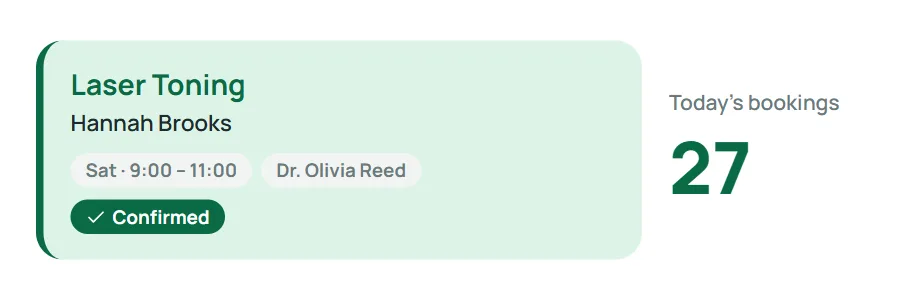
The easier booking gets, the more bookings are made on a whim. Confirmation filters those out before they take a real client's slot:
Call or message back every online booking within the agreed time.
Send a confirmation stating the service, time, branch, address and staff member.
For bookings made far ahead, confirm again before the day.
If a client cannot be reached after a few tries, release the slot and note why.
Reminders and how to reduce no-shows will be covered in a separate guide on cancellations.
Measuring booking channels: which source brings clients in?
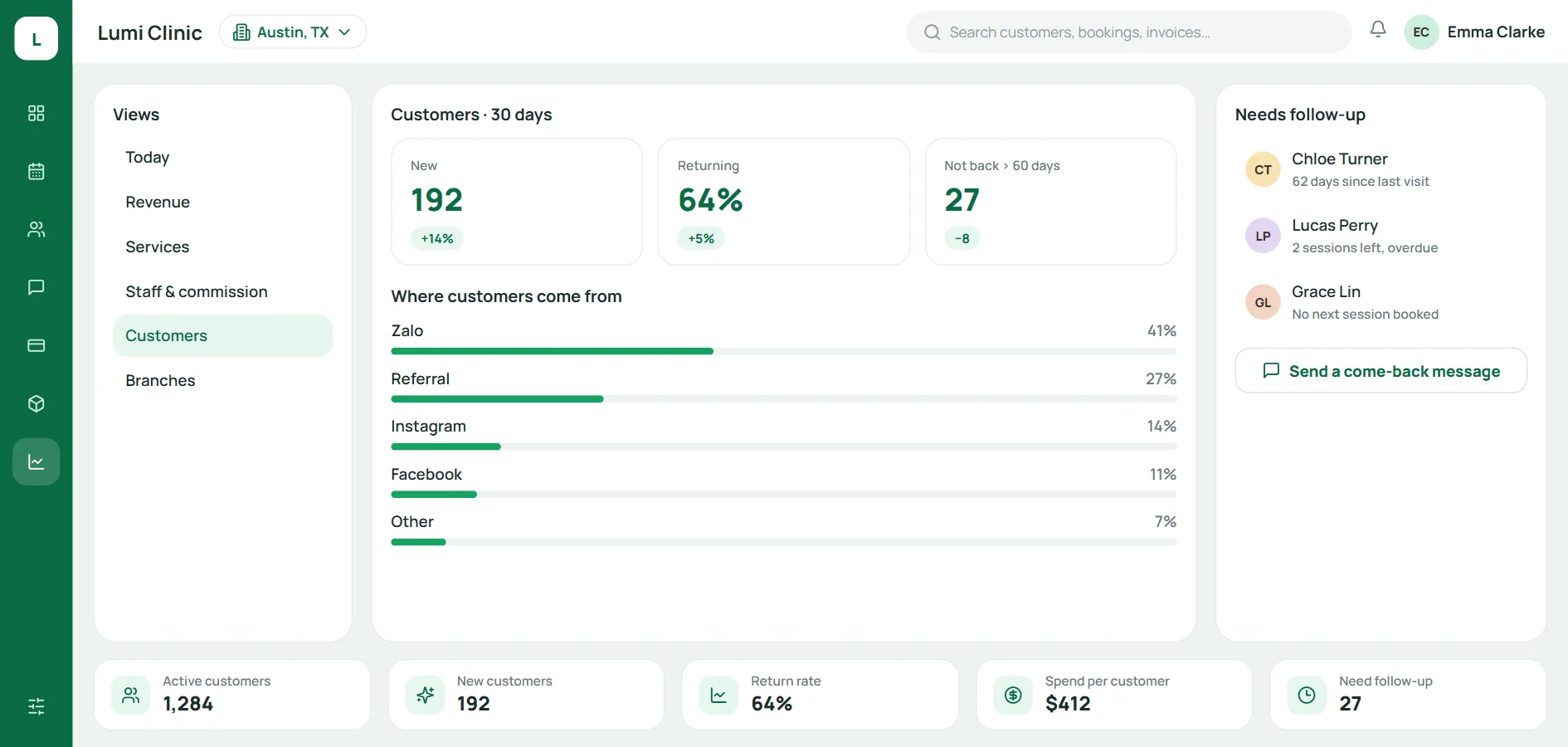
Once every booking lands in one place with its source, you can answer the question many clinic owners only guess at: where is the advertising money bringing clients from? Track these each month:
Bookings by source: online, messages per channel, phone, walk-in.
Booking rate: of the clients who message, how many book.
Show rate: of the bookings made, how many clients actually come.
Clients from ads: who booked and who paid after messaging.
Formulas and how to read each metric are in 7 management KPIs.
How to choose aesthetic clinic online booking software
When comparing options, book a visit as a real client would, then check the clinic side:
There is a dedicated online booking page where clients choose a branch, service and open time.
Opening hours, days off and clients per time slot can be set.
Online bookings land on the shared appointment board, marked unconfirmed.
Bookings can be closed inside the Zalo and Messenger inbox without switching screens.
Confirmations go back on the channel the client used.
Bookings are tied to the client record, with no duplicate records.
The booking source is recorded and reported.
A booking page and inbox suit international clients, if you need them.
How Qub-X handles aesthetic clinic online booking
Qub-X is aesthetic clinic management software for aesthetic and dermatology clinics. For booking:
An online booking page for each clinic: clients choose a branch, the service they want, an open date and time; the clinic sets opening hours per day, public holidays and clients per time slot; the page is available in Vietnamese, English and Korean.
Online bookings land on the appointment board as unconfirmed, with the source marked Online; the clinic gets an email about each new booking and the client gets a confirmation email.
A shared inbox for Zalo OA, Messenger, Instagram, WhatsApp, LINE, KakaoTalk, WeChat, Telegram and TikTok; bookings are closed inside the chat and confirmed on the client's channel.
Quick replies by group and by branch, and a one-click link from a new contact to an existing client record.
Bookings filtered by source (pre-booked, phone, online, walk-in), and clients from ads tracked through to booking and payment.
Qub-X runs at an aesthetic clinic chain with 3 branches, about 500 staff and more than 3,500 bookings a month.
Frequently asked questions
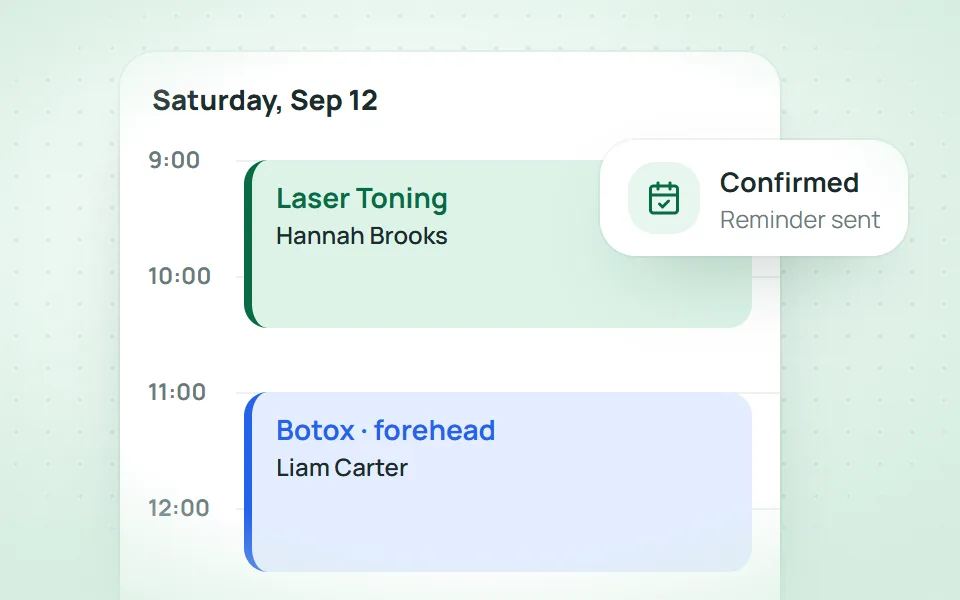
Do online self-bookings appear on the calendar straight away? Yes. In Qub-X they land on the appointment board as unconfirmed, with the source marked Online, for the front desk to call and confirm.
Can I limit how many clients book online per time slot? Yes. The clinic sets clients per time slot along with daily opening hours and public holidays, so a full slot takes no more bookings.
How does a client who messages on Zalo get booked? The consultant opens the booking panel inside the chat, with name and phone filled in, picks the service, time and branch, and confirms on Zalo.
Is the booking page available in English? Yes. The Qub-X booking page is available in Vietnamese, English and Korean.
Conclusion
Good aesthetic clinic online booking lets clients book the way they want, while the clinic receives every booking in one place, with a source and someone to confirm it. Start with an online booking page linked from your Zalo OA and Facebook page. Book a Qub-X demo to see the booking page and inbox on your clinic's own workflow, or try it for 7 days.
Related articles
All articles on Customer care- Customer care
Post-Treatment Customer Care Process: 6 Steps and Sample Messages
A post-treatment customer care process for aesthetic clinics: 6 steps on a clear timeline, with a sample message for each step and tips for making the process run on its own.
- Customer care
Aesthetic clinic CRM vs a regular CRM: 7 differences
Many clinics try a sales CRM and find it does not fit: no packages, no allergy field, no Zalo. This guide compares an aesthetic clinic CRM with a regular CRM on 7 points, so you can tell which one your clinic needs.
- Customer care
Customer Segmentation in a CRM: 5 Groups and How to Look After Each One
Sorting clients into 5 groups along their journey tells your aesthetic clinic who to contact today. Includes grouping rules, what to do for each group, and 3 metrics to track results.