
Features Analytics & reports in the CRM

Today's numbers, today

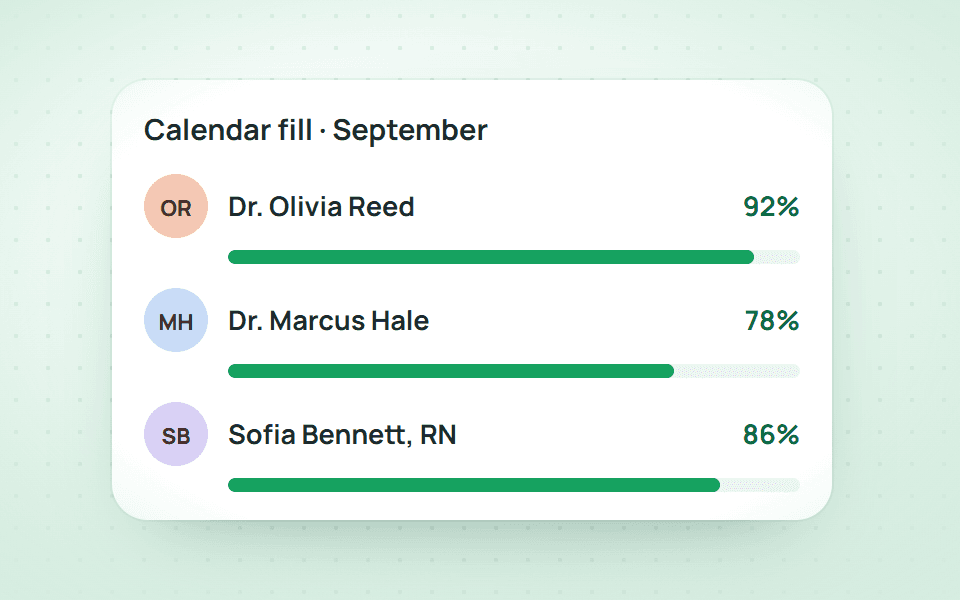
Built into Qub-X CRM: a quick report of today so far, six analytics areas by period and AI analysis that ranks what to do next, all from one data source.

Revenue collection report in Qub-X CRM
  1. 01 / 03

    Built into Qub-X CRM

  2. 02 / 03

    Quick report

  3. 03 / 03

    AI analysis

Features

Analytics & reports in Qub-X CRM

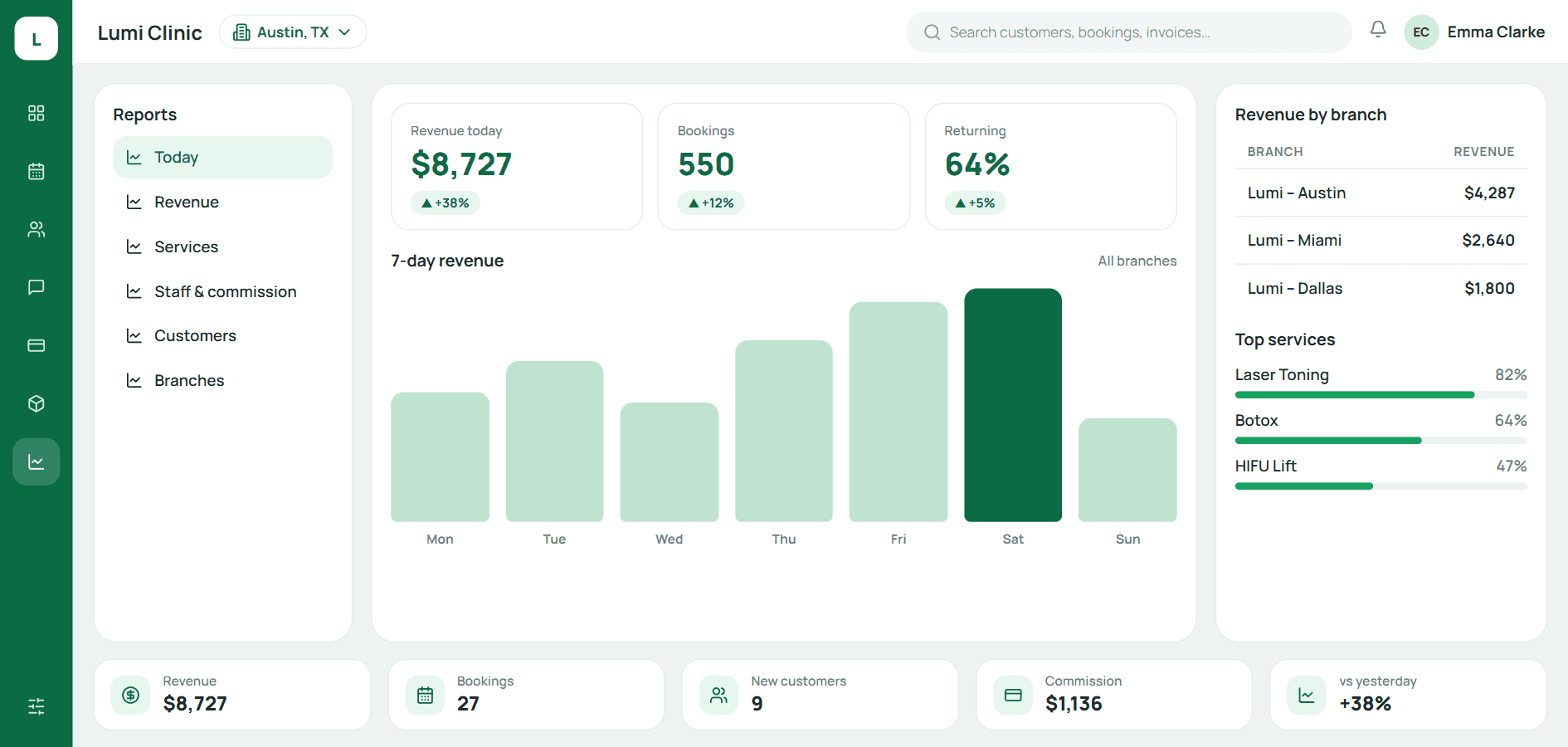
Today so far: yesterday, today and tomorrow.

01 / 05

Quick report

Today so far: yesterday, today and tomorrow.

  • Eight figures, beside the same day last week
  • Busy hours: yesterday, today, tomorrow

Versus the old way

Month-end numbers: 2–3 days of compiling → ready at 8 am

Every order, appointment and visit was recorded while operating. Reports are just another view of that same data; nobody retypes anything.

  1. 01Fewer stepsNo collecting spreadsheets from branches; pick a period and a branch.
  2. 02No errorsRevenue is cash collected; each metric is defined once and shared.
  3. 03No waiting for month endShift managers see today while it runs; owners see month, quarter, year.

The usual way · 5 steps

  1. Each branch sends a spreadsheet
  2. Accounting merges and realigns columns
  3. Questions because numbers disagree
  4. Build the report, send to the owner
  5. The new month is already a week old

2–3 days, many hands, stale numbers

With Qub-X · 2 steps

  1. 1Open Analytics, pick period and branch
  2. 2Read, compare, export if needed

Seconds, today's numbers

The problem

When the numbers reach the owner, the new month has already started

01/ 05

Compiling branch numbers takes 2–3 days and invites errors, and shift managers have no numbers for today.

  • Revenue, arrivals and cancellations in three places
  • Each branch defines metrics its own way
  • Decisions made on last month's figures
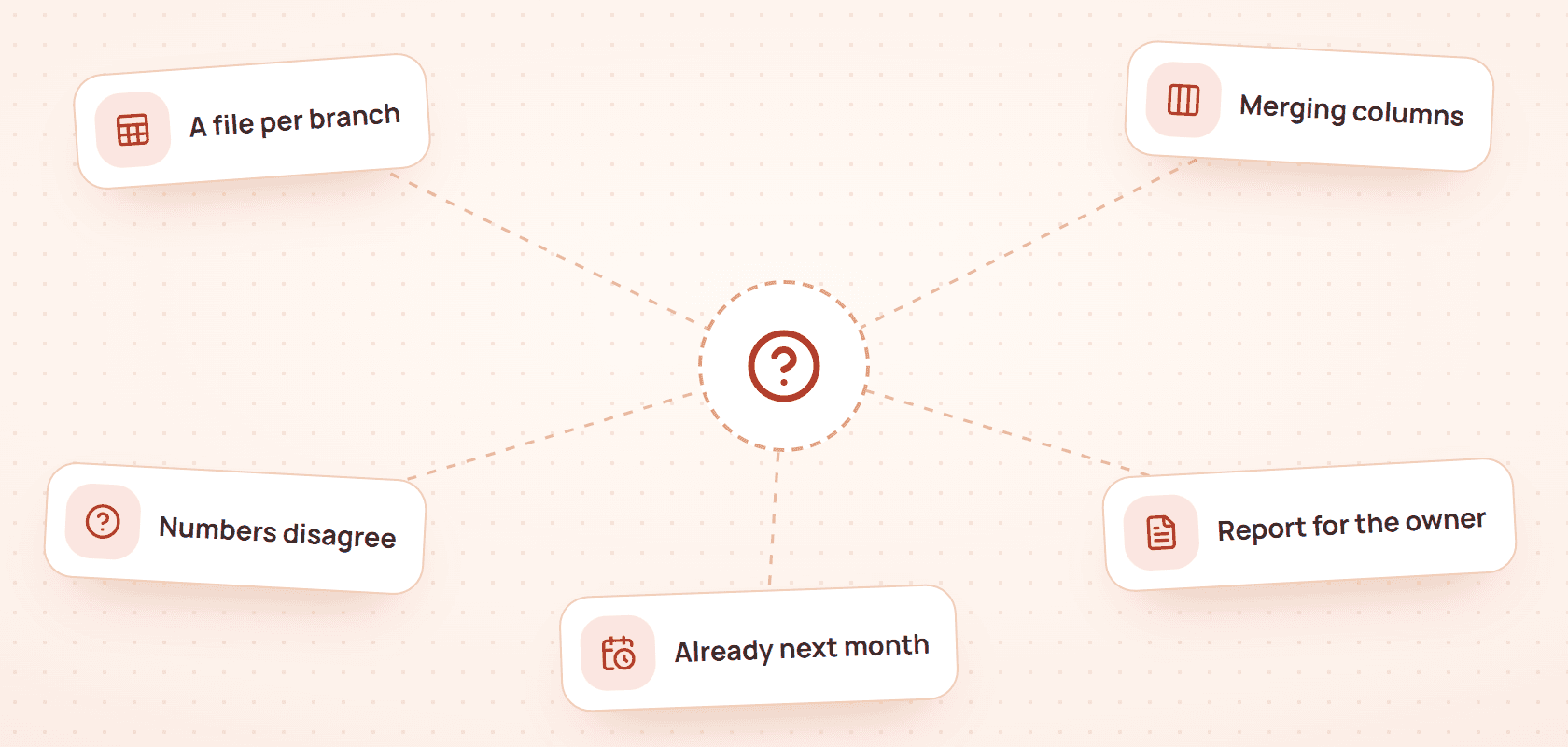
The usual way: Each branch sends a spreadsheet, Accounting merges and realigns columns, Questions because numbers disagree, Build the report, send to the owner, The new month is already a week old
The usual way
  • Revenue, arrivals and cancellations in three places
  • Each branch defines metrics its own way
  • Decisions made on last month's figures

What stands out

When the shift starts, one screen shows yesterday, today and tomorrow

02/ 05

Collected so far against yesterday's close, eight figures and what tomorrow already has on the calendar, updated live.

  • Today counts live, no closing needed
  • Tomorrow: expected revenue and bookings made
  • By hour: yesterday · today · tomorrow side by side
Simple report
  • Today counts live, no closing needed
  • Tomorrow: expected revenue and bookings made
  • By hour: yesterday · today · tomorrow side by side

Saves 2–3 days of compiling

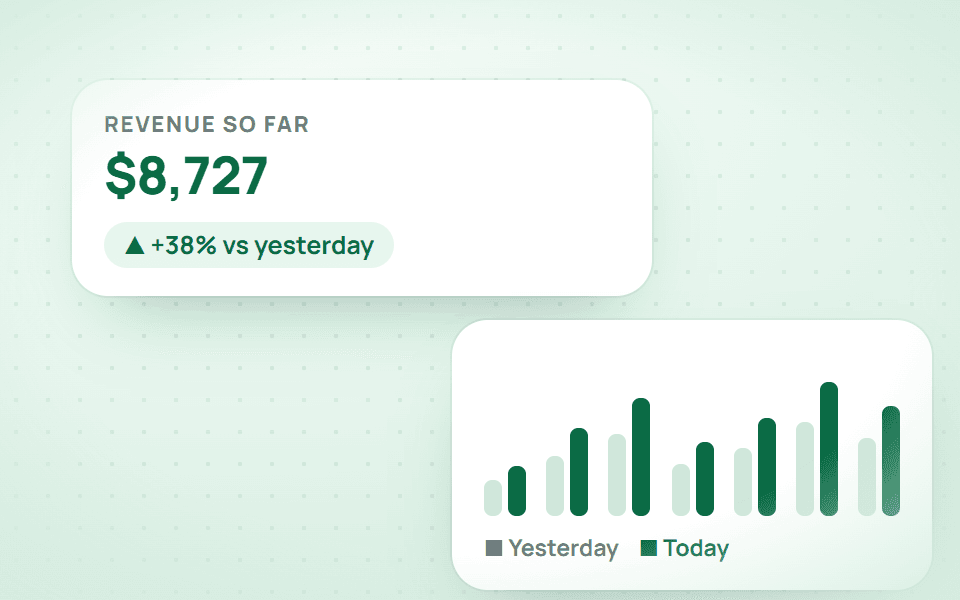
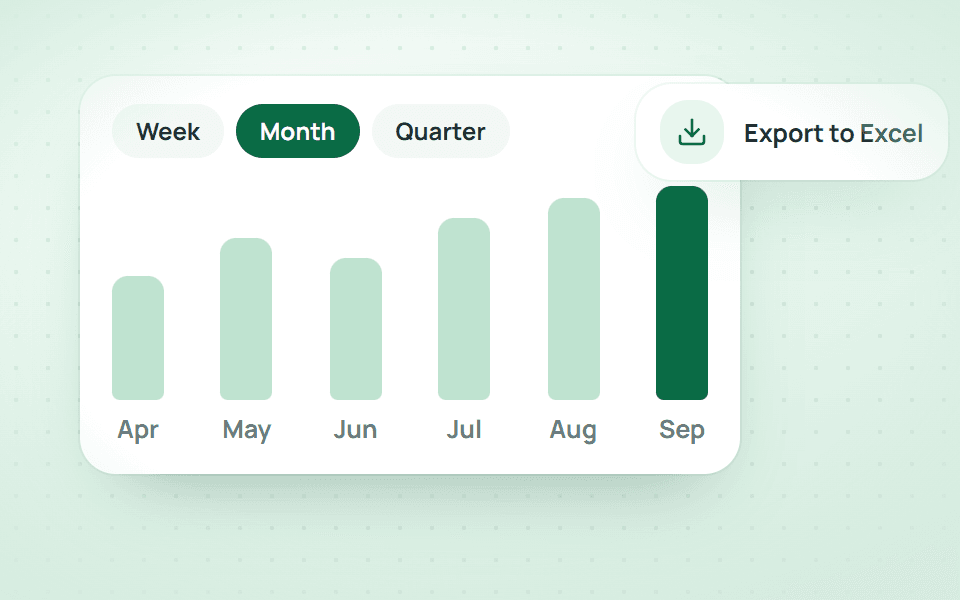
When you need a period, pick the period and the branch

03/ 05

Six areas: revenue, staff, customers, services, owner and customer care; pick a period and a branch.

2–3 days, many hands, stale numbersSeconds, today's numbers
  • One metric definition for every branch
  • Commission computed from the share on each order
  • Revenue exports to Excel in one click
Period analysis
  • One metric definition for every branch
  • Commission computed from the share on each order
  • Revenue exports to Excel in one click

Easy to use

When you want to compare staff, tick them and read side by side

04/ 05

Each doctor's and consultant's monthly revenue with high cells shaded; tick people to compare them with the clinic average.

  • Monthly table, high cells shaded
  • Compare up to 6 staff members
  • A yellow flag when someone discounts far above the clinic norm
Staff performance
  • Monthly table, high cells shaded
  • Compare up to 6 staff members
  • A yellow flag when someone discounts far above the clinic norm

New in the CRM

When there is no time to read every report, AI analysis shows what to do first

05/ 05

AI reads the report figures, writes a summary in seven parts and ranks next steps by value and urgency. AI-written text is coloured apart from figures taken straight from the reports.

  • OK, Needs attention or Serious for every part
  • Next steps ranked by value, with a status to track
  • Ask AI, answered from the report's figures
AI analysis
  • OK, Needs attention or Serious for every part
  • Next steps ranked by value, with a status to track
  • Ask AI, answered from the report's figures

Three questions owners ask

Is revenue counted when the order is created or when paid?
When paid. Unpaid orders sit in new debt, kept separate so revenue is never inflated.
Does using a prepaid card count as revenue?
No. The cash came in at top-up; deducting a session spends the balance and the report records it separately.
Can branches see each other's reports?
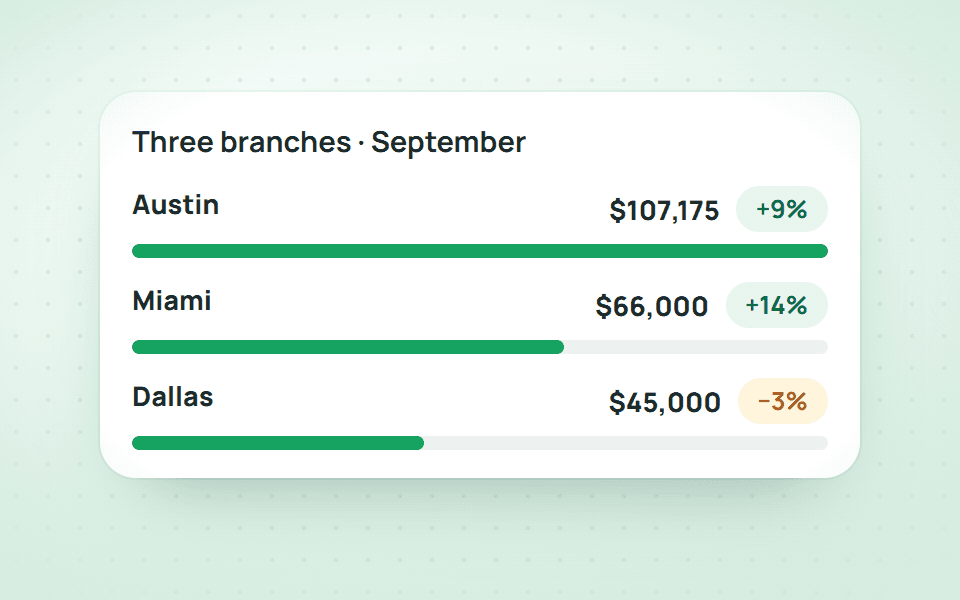
Depends on permissions. Branch managers see their branch; the owner sees all and can compare.

BOOK A DEMO

See how Qub-X fits the way your clinic works

Share how your clinic operates. The Qub-X team will prepare a demo focused on your workflow and needs.

City
Which areas do you want to review?

Qub-X will send a confirmation on Zalo and contact you to set a suitable time.

  • A 30-minute demo based on a real clinic scenario
  • Focus on the features you care about
  • No commitment required after the demo