
Clinic software: 6 jobs it must handle before you buy
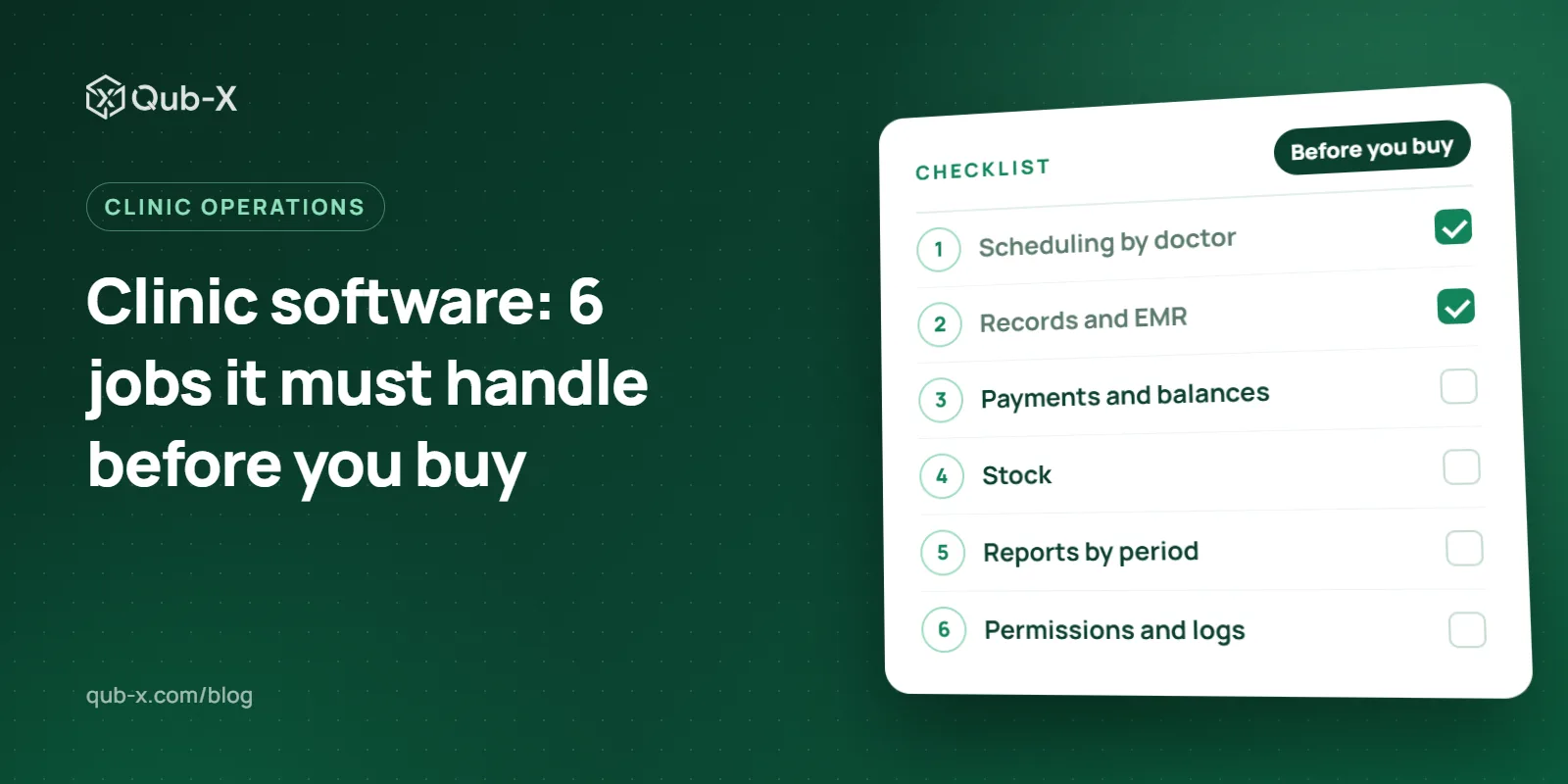
Clinic software should handle six jobs before you pay for it: scheduling, records and EMR, payments, stock, reports and permissions. This guide adds the Vietnamese rules to remember, questions to ask vendors and a 7-day trial plan.
In this article · 8 sections
Clinic software should handle six jobs before you pay for it: scheduling, records and EMR, payments, stock, reports and permissions. If one is missing, the clinic ends up adding another tool and entering the same data twice.
Updated 28 November 2026.
Quick summary
Check the six jobs in the table in section 2, and watch each one in the demo.
Private clinics in Vietnam should remember the 31 December 2026 deadline for electronic medical records, and the national prescription link.
Ask vendors five questions about data, fees and support before signing.
Run a trial on your own data, following the 7-day plan below.
What is clinic software and what does it include?
Clinic software brings the clinic's daily work into one place, from the moment a client books to payment and reporting. It has two groups of functions:
Operations: scheduling, client records, payments, stock, staff, reports.
Clinical: electronic medical records, orders, prescriptions.
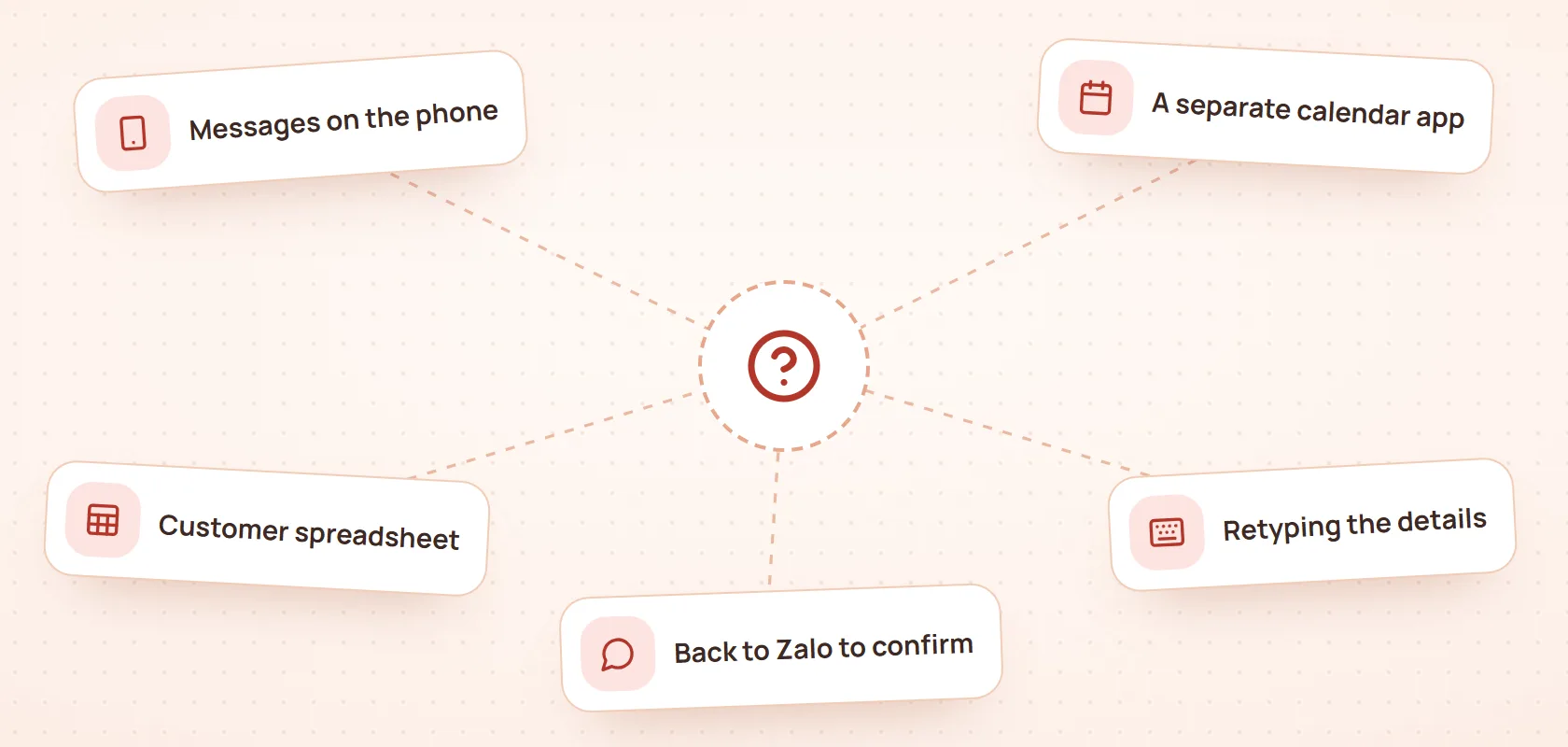
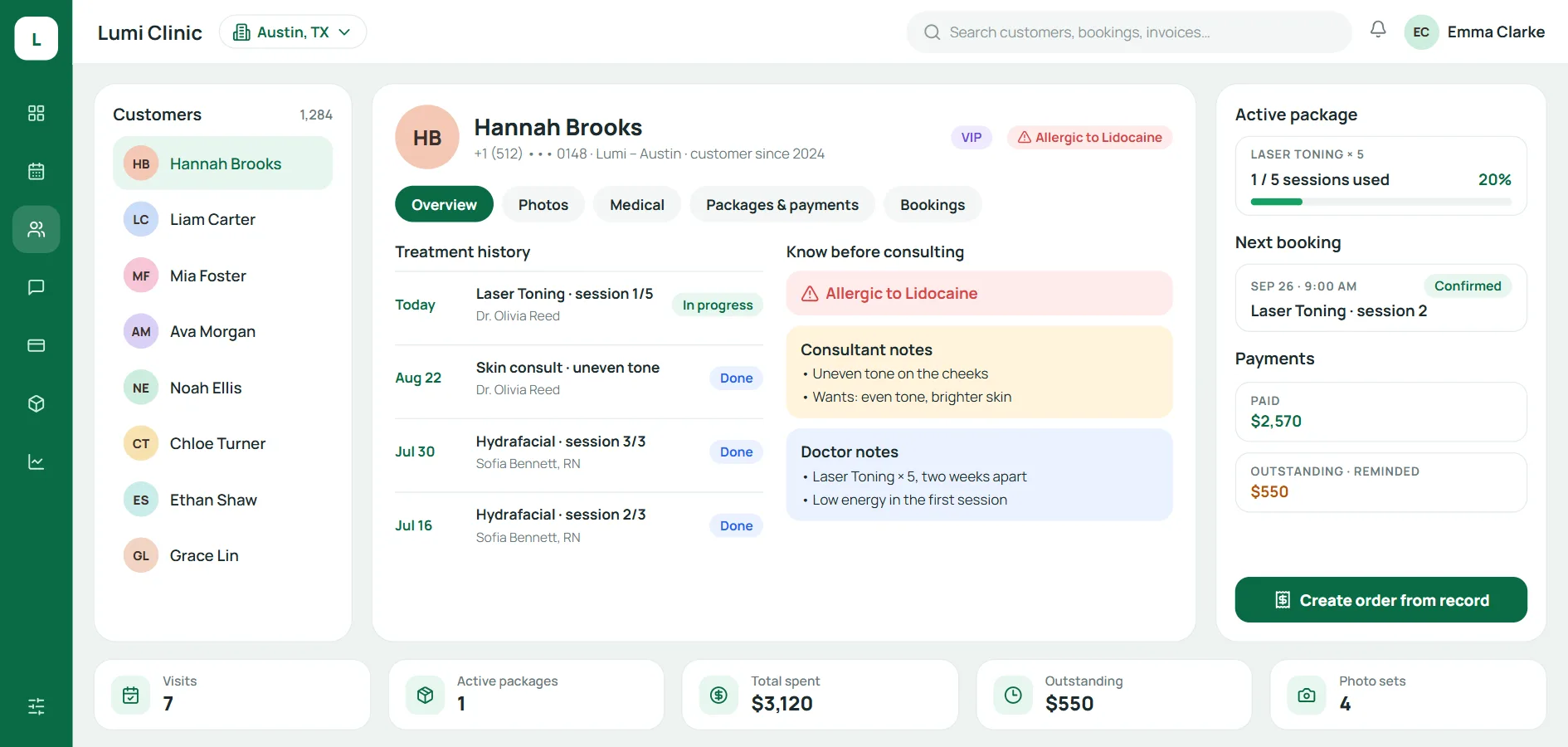
A small private clinic often starts with a calendar app, a spreadsheet and Zalo, as in the picture. That works with few clients. With several doctors or a second branch, every detail is typed more than once and the copies drift apart.
What are the 6 jobs clinic software must handle?
These six jobs are the core. In a demo, ask the vendor to perform each one on screen.
Job | Question to check |
|---|---|
1. Scheduling | Does it book by doctor, room and device, and flag clashes? |
2. Records and EMR | Are client records and medical records linked? |
3. Payments | Does it handle part payments, balances and multi-session packages? |
4. Stock | Are consumables deducted per treatment? |
5. Reports | Can you view by week, month and quarter, and export? |
6. Permissions | Does it limit access by role and keep a log? |
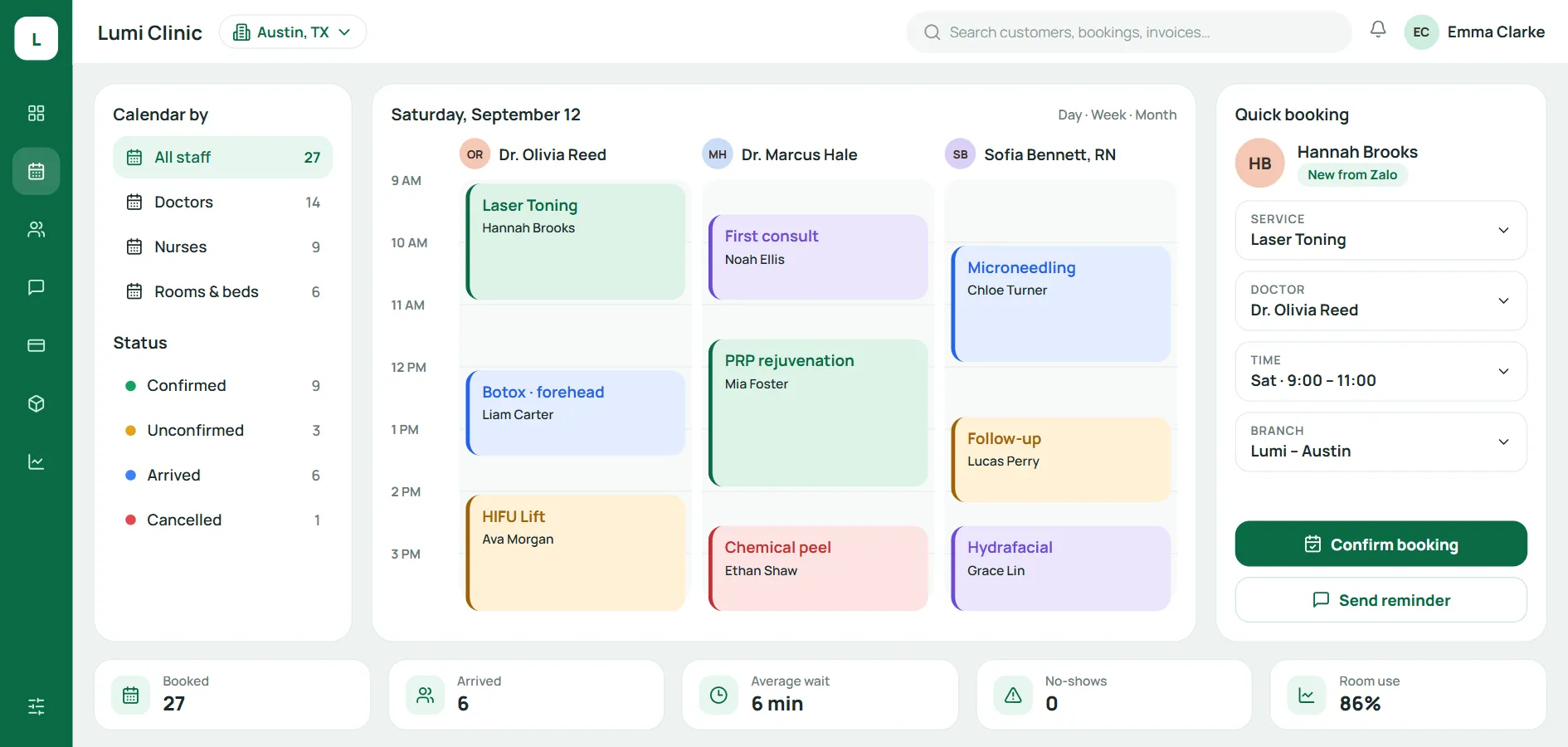
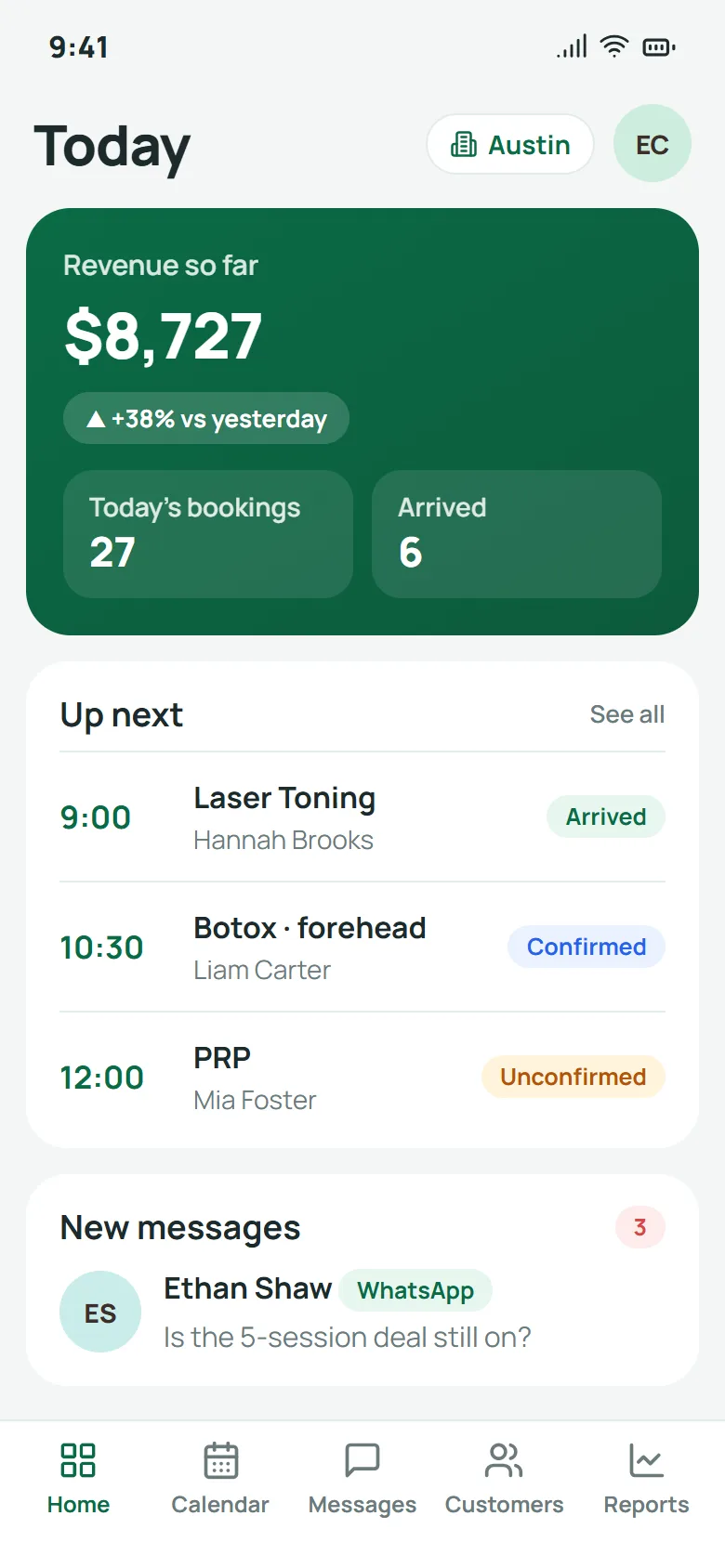
Job 1, scheduling. The schedule should show each doctor's full day, as above, and block two appointments from using the same room or device.
Client records and electronic medical records
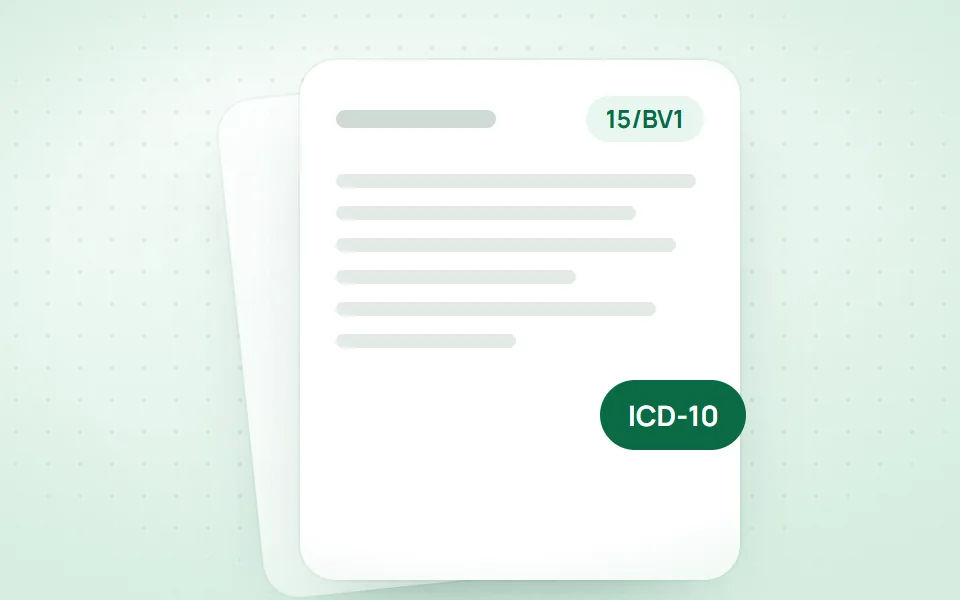
The client record holds contact details, service history and notes. The medical record holds the doctor's clinical entries. Linking them means the doctor does not re-ask what reception has already entered. Qub-X has a built-in EMR that runs alongside the client record.
Payments, packages and balances
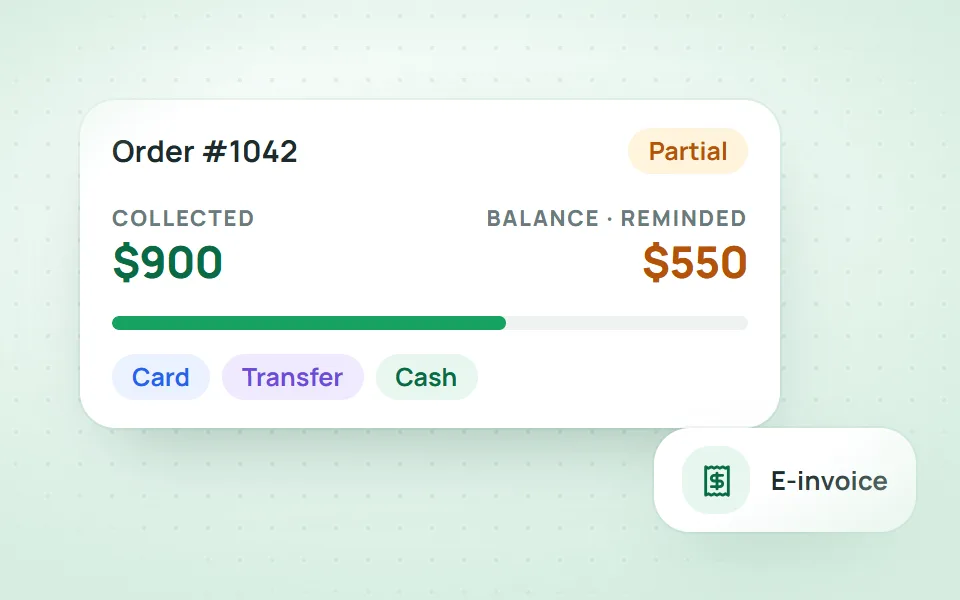
Clients often pay for a course in several instalments. The software should record what has been collected, what remains, how it was paid, and prompt when a payment is due.
Stock deducted per treatment
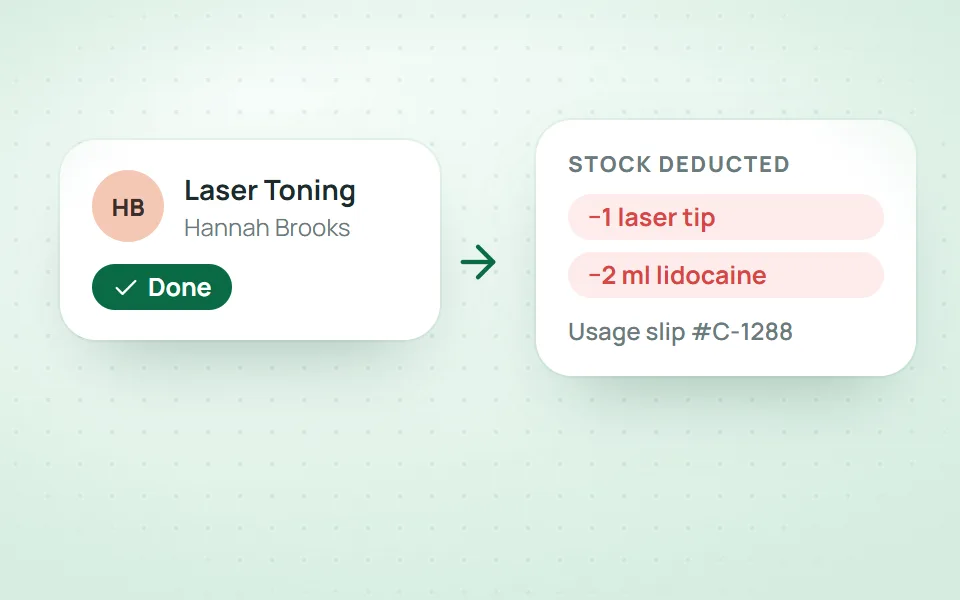
If stock is only counted at month end, you cannot tell which session used what. The software should deduct stock when a session is completed.
Reports by period
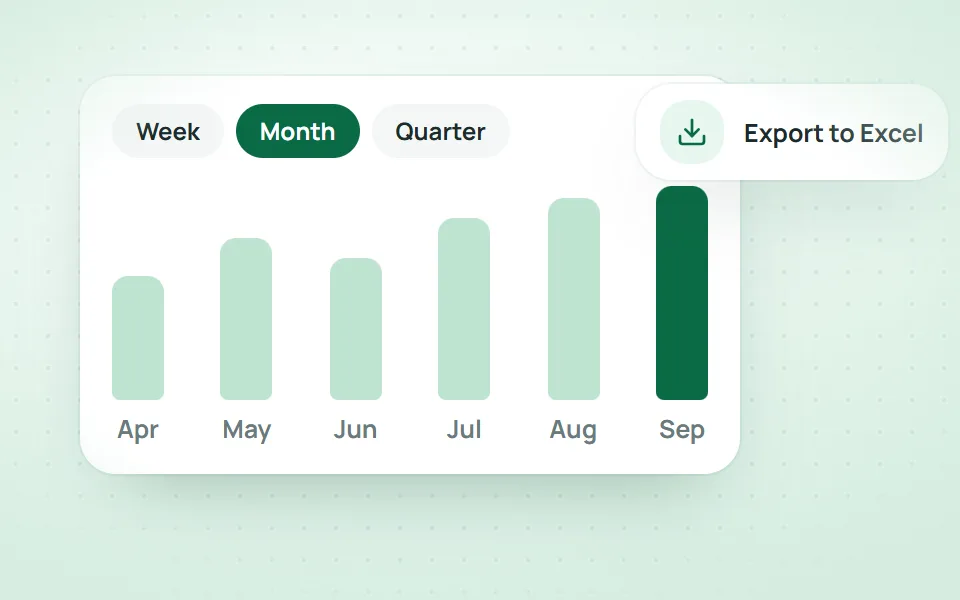
Owners need revenue, client numbers and top services by period without waiting for accounts to compile them.
Permissions and an activity log
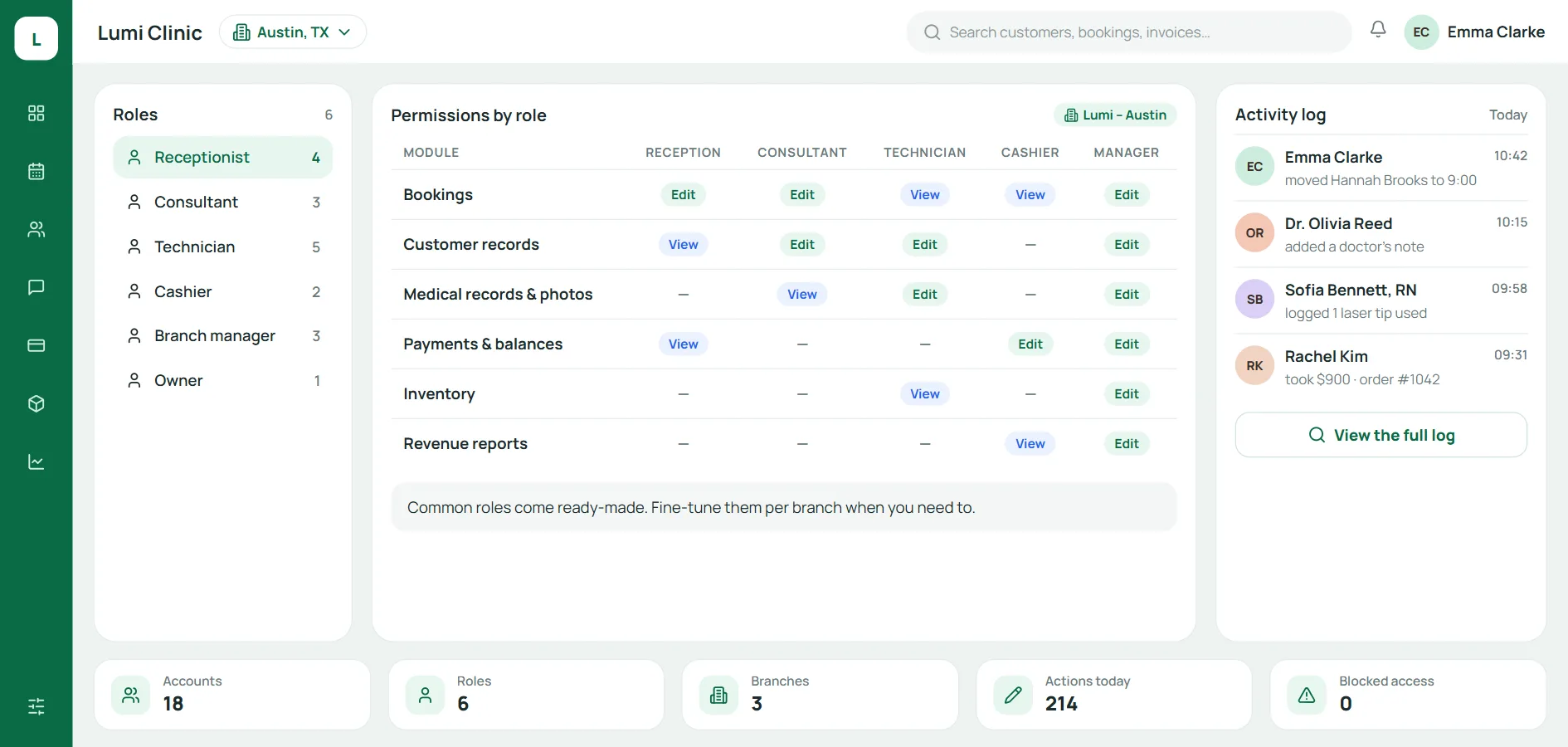
Each role sees only what it needs. The log shows who changed an appointment or a record, and when.
Which rules should private clinics in Vietnam remember when choosing software?
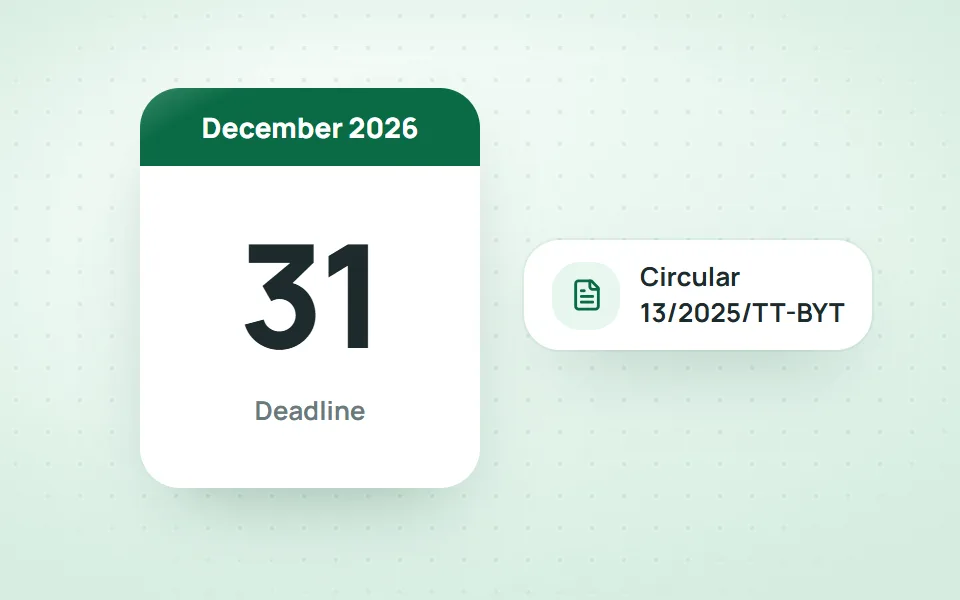
Two rules bear directly on the choice of software for a private clinic: electronic medical records and electronic prescriptions.
Electronic medical records: according to the government newspaper's guidance on Circular 13/2025/TT-BYT, healthcare facilities other than hospitals must implement them by 31 December 2026 at the latest.
Prescriptions: Circular 26/2025/TT-BYT sets the rules on prescriptions and outpatient prescribing.
The practical steps are in our EMR implementation checklist.
The national prescription link
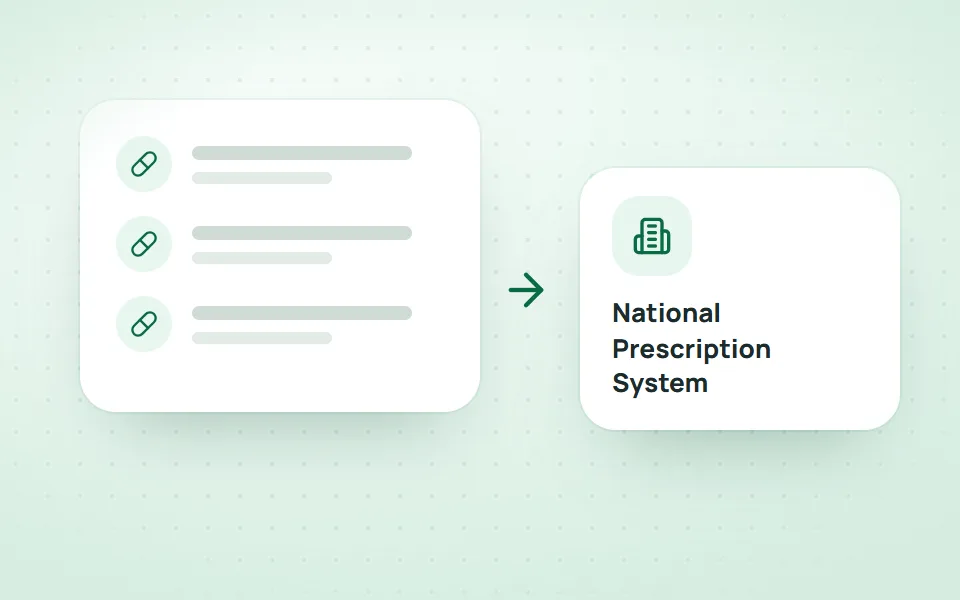
If your clinic prescribes, ask whether the software sends prescriptions to the National Prescription System, and what the clinic has to register. Details are in our article on e-prescribing in Vietnam. This article is not legal advice.
What should you ask a clinic software vendor before signing?
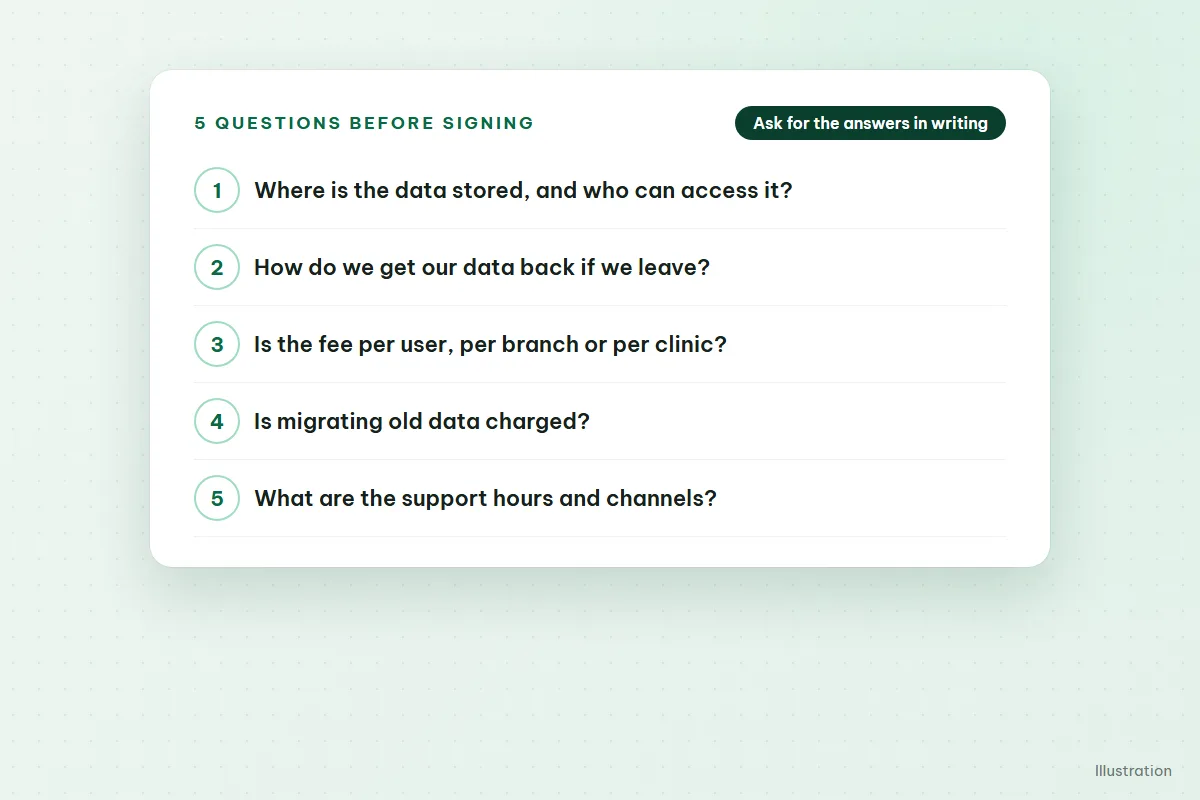
Ask these five questions and request the answers in writing:
Where is the clinic's data stored, and who can access it?
If we stop using the product, how do we get our data back, and in what format?
Is the fee per user, per branch or per clinic? How does it change when we add a branch?
Is migrating old data from spreadsheets charged, and how long does it take?
What are the support hours and channels?
Question 3 is often skipped. A fee that looks low can rise quickly as the clinic hires. A full scoring sheet is in compare CRM software on 12 criteria.
How do you trial clinic software to see if it fits?
Trial it with your own data and your own staff, not only a demo. A suggested 7-day plan:
Day | What to test | Who |
|---|---|---|
1 | Enter 20 clients and this week's appointments | Reception |
2–3 | Run the real schedule, reschedule, cancel | Reception, doctor |
4 | Take payment on an order paid in instalments | Cashier |
5 | Deduct stock for one working day | Nurse |
6 | Read the weekly report on a phone | Owner |
7 | 15-minute meeting: what still gets in the way | Everyone |
Qub-X offers a 7-day trial. Our main article on this topic is clinic management software.
Frequently asked questions
How is private clinic software different from hospital software? Hospital software serves inpatients, many departments and health insurance claims. A private clinic needs something leaner: scheduling, records, payments, client care and outpatient medical records.
Can a small clinic run on spreadsheets? Yes, with one doctor and a few dozen clients a week. A spreadsheet does not send reminders, does not control access and is not an electronic medical record under the rules.
Does clinic software work on a phone? It depends on the product. Ask whether there are iOS and Android apps and what can be done on a phone. Qub-X has apps for both.
Conclusion
Before buying clinic software, check the six core jobs, remember the 31 December 2026 deadline for electronic medical records, ask the five questions on data and fees, then run a one-week trial on real data. To see the six jobs in Qub-X, book a free demo; it takes about 10 minutes on Google Meet.
Sources
Guidance on implementing electronic medical records under Circular 13/2025/TT-BYT, Government Newspaper (in Vietnamese).
Circular 26/2025/TT-BYT on prescriptions, Government Portal (in Vietnamese).
Related articles
All articles on Clinic operations- Clinic operations
Spa treatment card: a template and how to track sessions left
A spa treatment card records which package a client bought, how many sessions they have used and how many are left. This guide gives a two-sided card template, an A5 sheet, three common print sizes and an end-of-day check that prevents disputes.
- Clinic operations
Clinic E-Invoices: When to Issue Them and 5 Mistakes to Avoid
A clinic e-invoice is issued when the service is completed, or when you collect payment if the client paid in advance. Includes a 4-case table, 5 common mistakes and a 4-step process.
- Clinic operations
Aesthetic clinic treatment packages and prepaid cards: no more session disputes
Disputes over remaining sessions can cost you clients as surely as a disappointing treatment. Here is how to record, deduct and track aesthetic clinic treatment packages and prepaid cards so the client and the clinic always see the same number.