
What is customer care software? How clinics use it
Customer care software keeps each client's information in one place and reminds staff what to do next for that client. This article explains how it differs from a CRM, the five jobs clinics use it for, and what to watch for with health data in Vietnam.
In this article · 8 sections
Customer care software keeps each client's information in one place and reminds staff what to do next for that client: send a reminder, check in after treatment, answer a message, resolve a complaint. For a clinic, it is the part that brings clients back after the first visit.
Updated 28 November 2026.
Quick summary
Customer care software focuses on what happens after a client has visited; a CRM also covers what happens before.
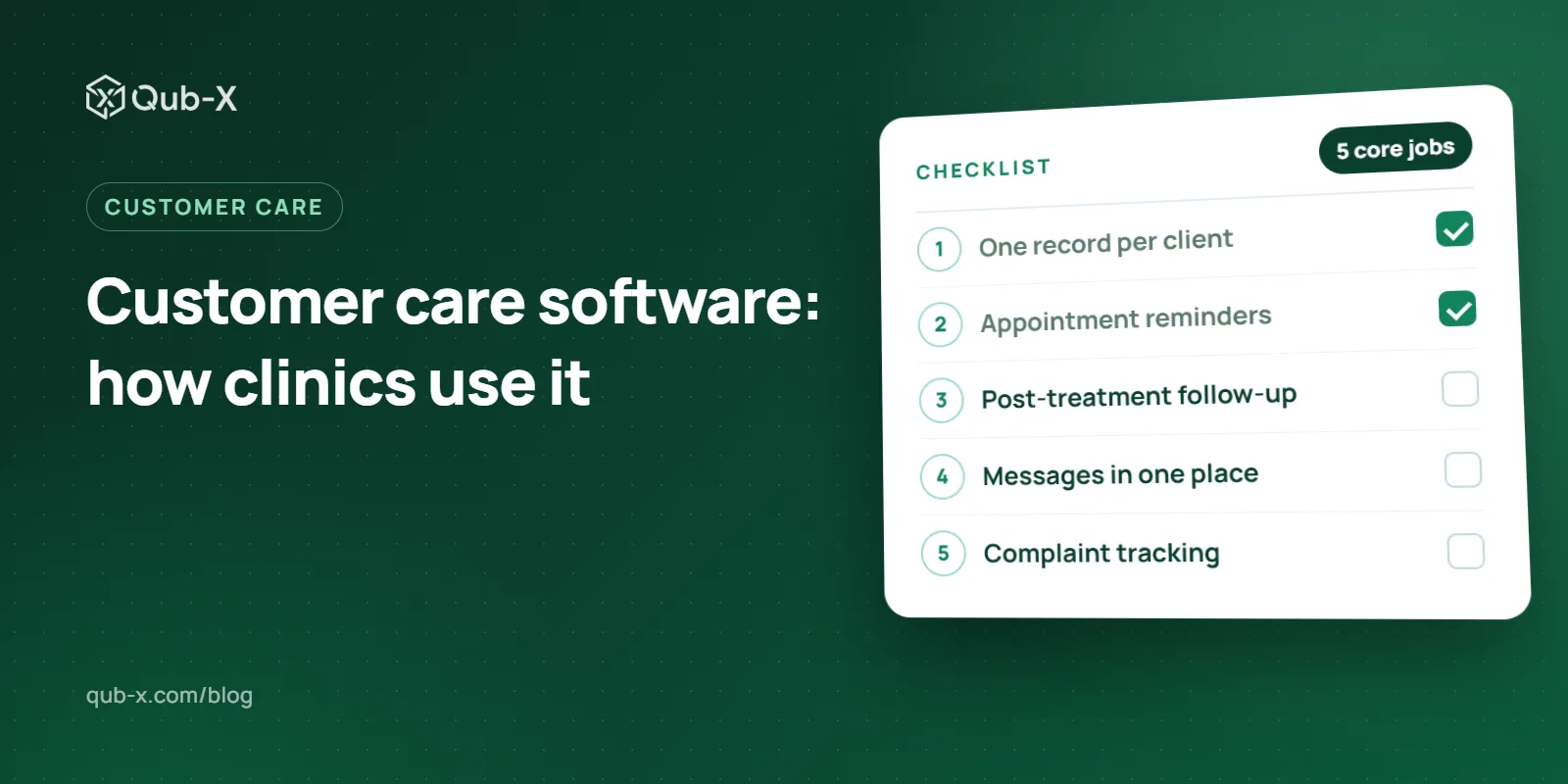
Clinics use it for five jobs: records, reminders, post-treatment follow-up, a shared inbox and complaint tracking.
Health information is sensitive data. It needs role-based access and the client's consent.
What is customer care software?
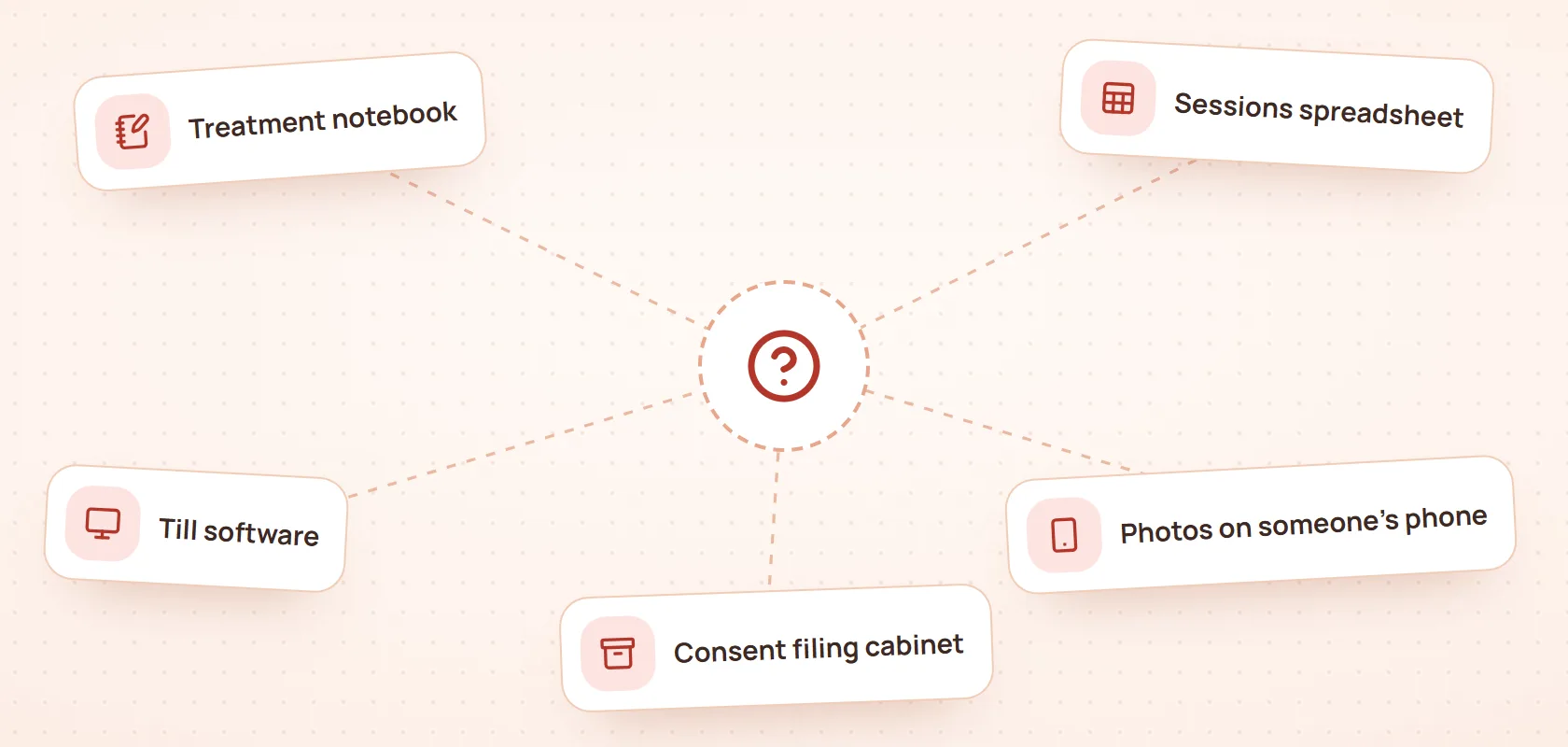
Customer care software records every contact between the clinic and a client and schedules the next one. It replaces notebooks, spreadsheets and the receptionist's memory.
It usually has three parts:
Client record: contact details, treatments done, notes, photos.
Reminders: appointments, follow-ups, review visits.
Contact channels: messages, calls, client feedback.
When these parts live in separate places, as in the picture, staff open several tools to answer one simple question: "How many sessions do I have left?"
How is customer care software different from a CRM?
Customer care software is one part of a CRM. A CRM follows a person from the first enquiry; the care part starts once they have visited the clinic.
Customer care software | Full CRM | |
|---|---|---|
Starts from | A client who has used a service | A new enquiry |
Main jobs | Reminders, follow-ups, resolving feedback | Also consultation tracking, orders, reports |
Main users | Reception, care staff | Also consultants, managers, accounts |
Measured by | Return rate | Also close rate and revenue by source |
Many vendors use both names for the same product. The label matters less than whether the software handles the five jobs below. For a wider comparison, see how an aesthetic clinic CRM differs from a general CRM in 7 ways.
What do clinics use customer care software for?
Clinics use customer care software for five jobs that repeat every day:
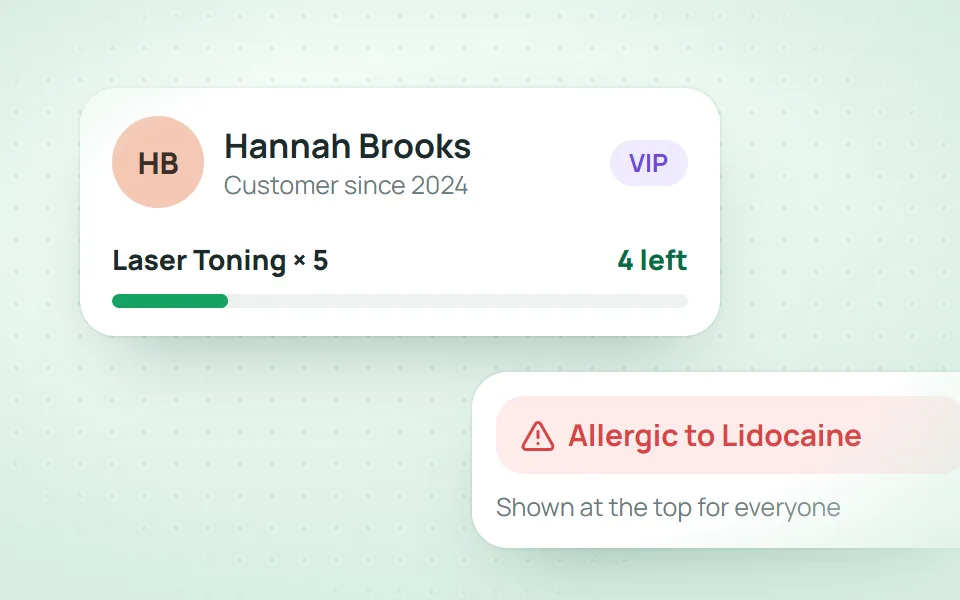
Open the record before the client arrives: what they have had done, sessions left, allergies.
Send appointment reminders to reduce no-shows.
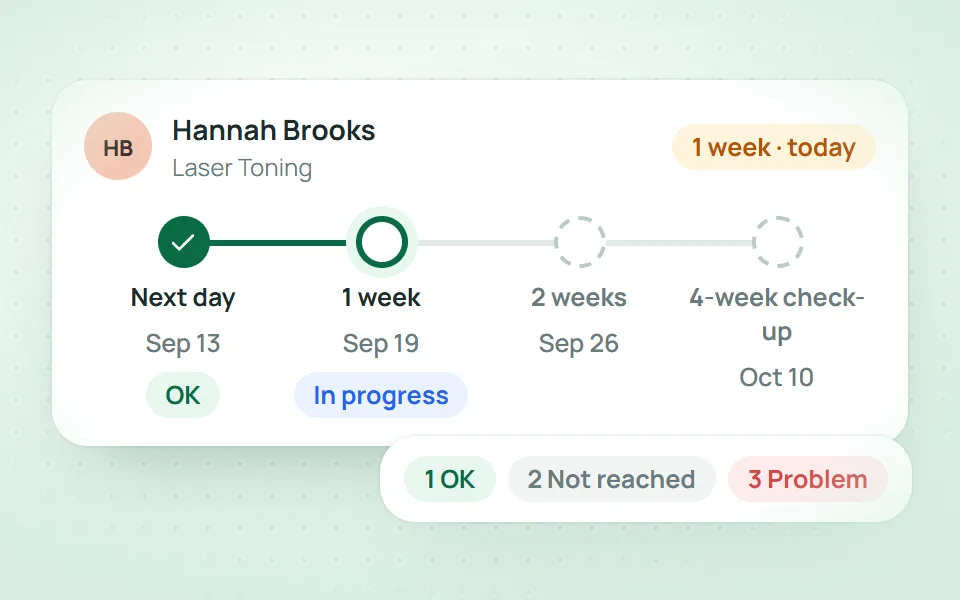
Follow up after treatment at set points: next day, 1 week, 2 weeks, as shown above.
Answer messages in one place.
Log complaints and track them until closed.
The third job is the one that slips when the clinic is busy. The timing and message templates are in our post-treatment customer care process.
Messages from every channel in one inbox
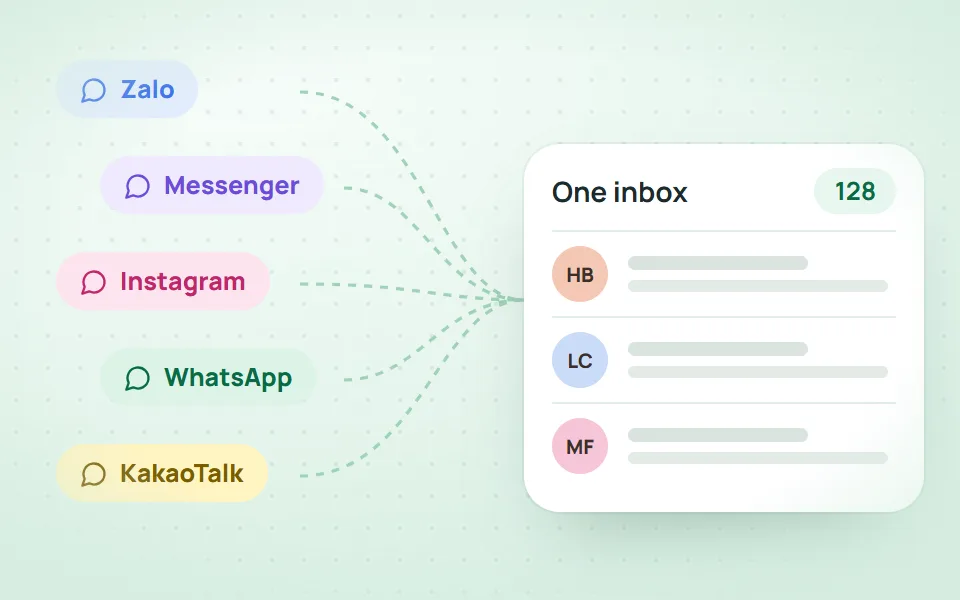
Clients write on whichever app they prefer. When each channel sits on a different phone, messages are missed at shift change. The Qub-X omni-channel inbox brings these channels onto one screen and links each conversation to the client record.
Complaints with an owner and a status
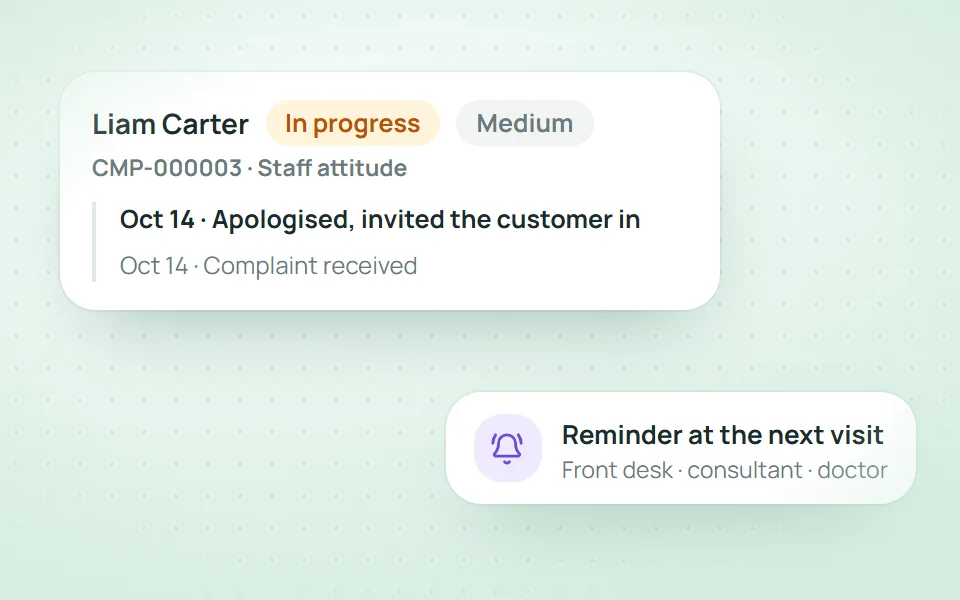
A complaint nobody writes down becomes a bad review online. The software should let staff log a ticket, assign an owner, keep each exchange and remind reception, the consultant and the doctor at the client's next visit.
What should clinics know about data when using customer care software?
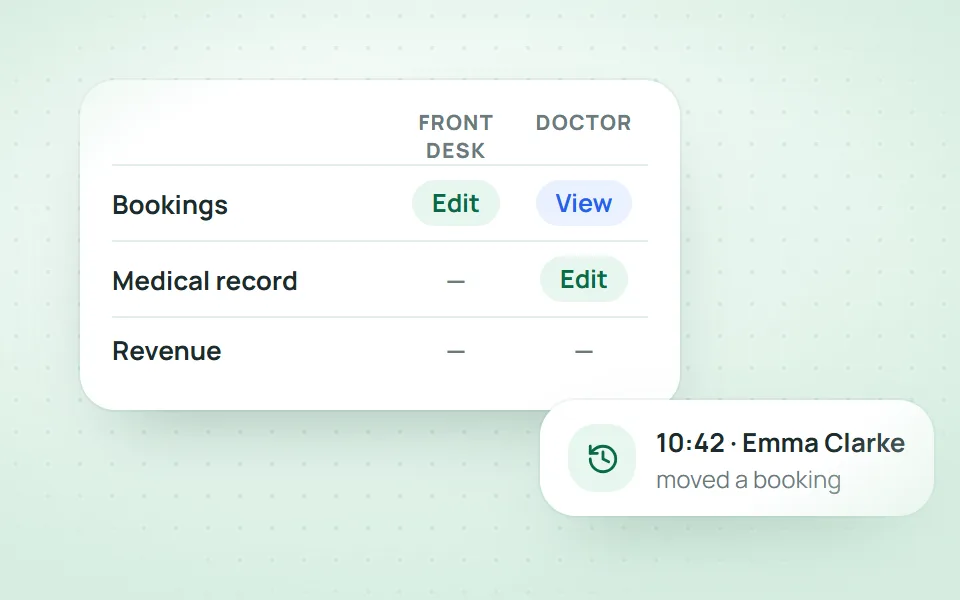
A client's health information is sensitive personal data, so the software must limit who sees what and log who viewed or changed it. Two Vietnamese texts to read:
Law on Personal Data Protection No. 91/2025/QH15, in force from 1 January 2026.
Decree 356/2025/ND-CP, which details the law.
Three things to do now:
Ask for the client's consent before storing their information and before sending care messages or offers.
Set permissions by role: reception does not need medical records, doctors do not need revenue.
Keep client data off staff members' personal phones.
This article is not legal advice. Ask a lawyer when drafting your consent form.
How do you choose customer care software for a clinic?
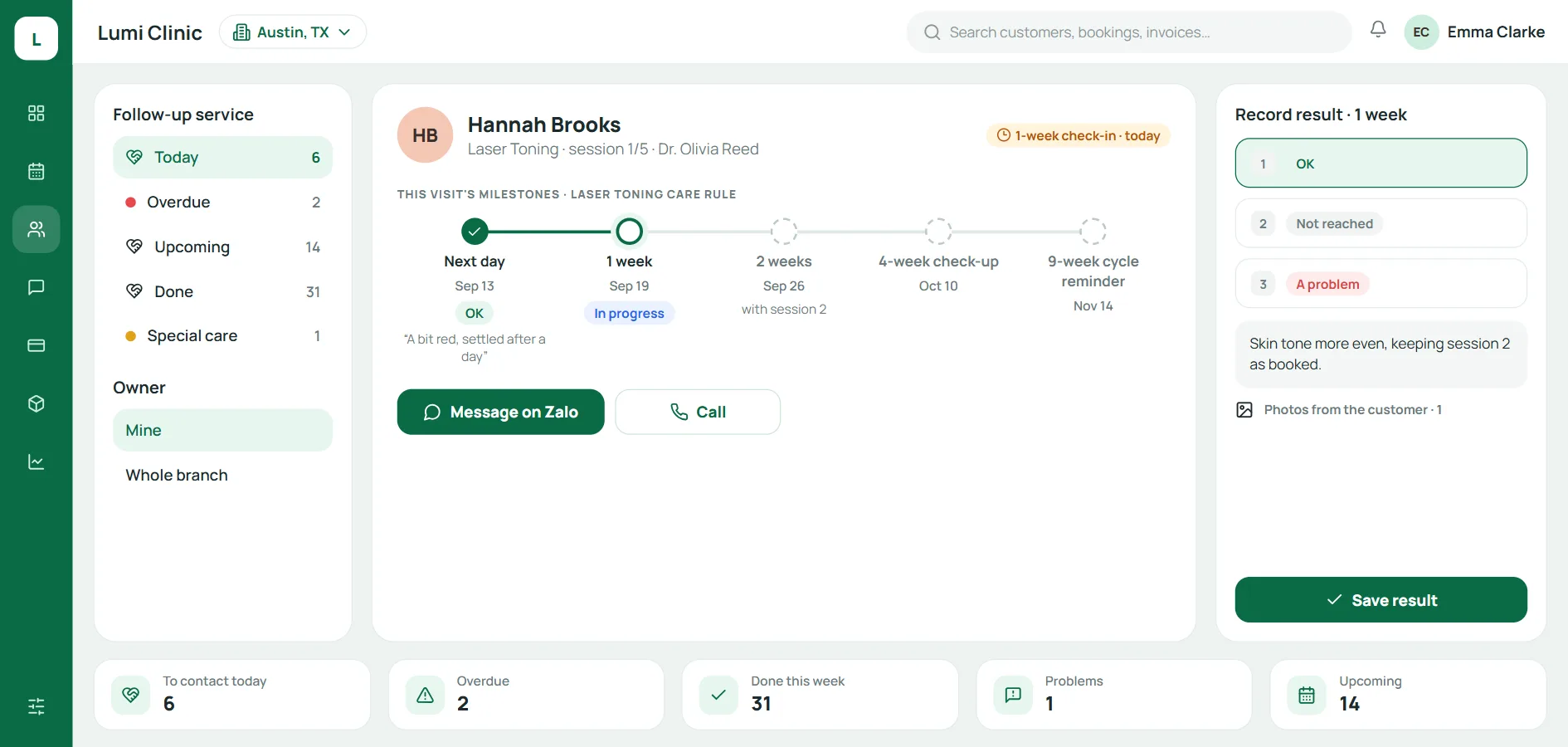
Choose by what staff do every day, not by the number of features. In a demo, ask the vendor to perform these five actions on sample data:
Action | What you should see |
|---|---|
Open a client record | Treatments done, sessions left and allergies shown at once |
Create a follow-up | Follow-up points generated after the session |
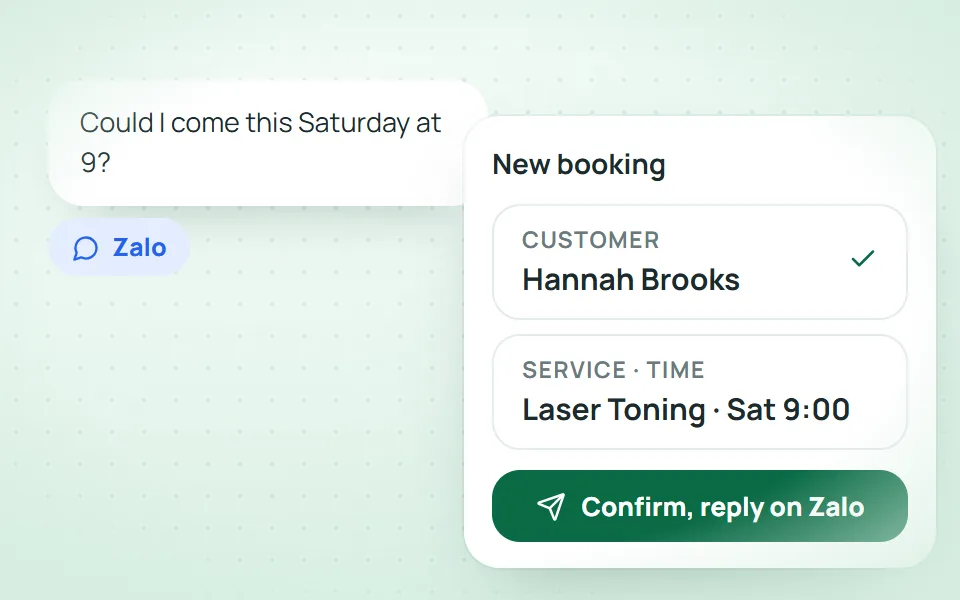
Answer a Zalo message | Reply inside the software with the record alongside |
Log a complaint | An owner and a status |
Change a user's role | Reception no longer sees medical records |
In Qub-X these sit under customer records and post-treatment care. Clinics can try it for 7 days before deciding.
Frequently asked questions
Is customer care software the same as a CRM? It is one part of a CRM. The care part covers what happens after a visit: reminders, follow-ups and complaints. A full CRM adds consultation tracking, orders and reports.
Does a small clinic need customer care software? While one receptionist remembers every client, a notebook and a spreadsheet are enough. Once two receptionists share shifts or you have a few hundred clients, reminders and follow-ups start to slip.
Do clients need to consent to care messages on Zalo? Ask for consent at the first visit and record it in the client file. Clients should be able to opt out of messages at any time.
Conclusion
Customer care software means the clinic no longer depends on one person's memory: records in one place, follow-ups that prompt themselves, messages and complaints with an owner. When choosing, test the five daily actions and check the permissions. To see these steps in Qub-X, book a free demo; it takes about 10 minutes on Google Meet.
Sources
Law on Personal Data Protection No. 91/2025/QH15, Official Gazette of Vietnam (in Vietnamese).
Decree 356/2025/ND-CP, Official Gazette of Vietnam (in Vietnamese).
Related articles
All articles on Customer care- Customer care
Customer management for clinics: 5 things to do every day
Customer management in a clinic is not one big project but five small tasks repeated every day. This article covers each task, who does it and when, what information to keep and the three numbers to watch.
- Customer care
How to Store Before and After Photos of Clients: 5 Rules
Store before-and-after photos inside the client record, tag them to each session, shoot to one standard and get the client's consent. Includes a 5-rule table and a photo guide.
- Customer care
Post-Treatment Customer Care Process: 6 Steps and Sample Messages
A post-treatment customer care process for aesthetic clinics: 6 steps on a clear timeline, with a sample message for each step and tips for making the process run on its own.