
Spa customer records: bring scattered customer data into one place
When consultation notes live in chat, treatment history in a notebook and payments in a spreadsheet, a spa loses more than search time. What should a customer record hold, and how do you bring it all into one place?
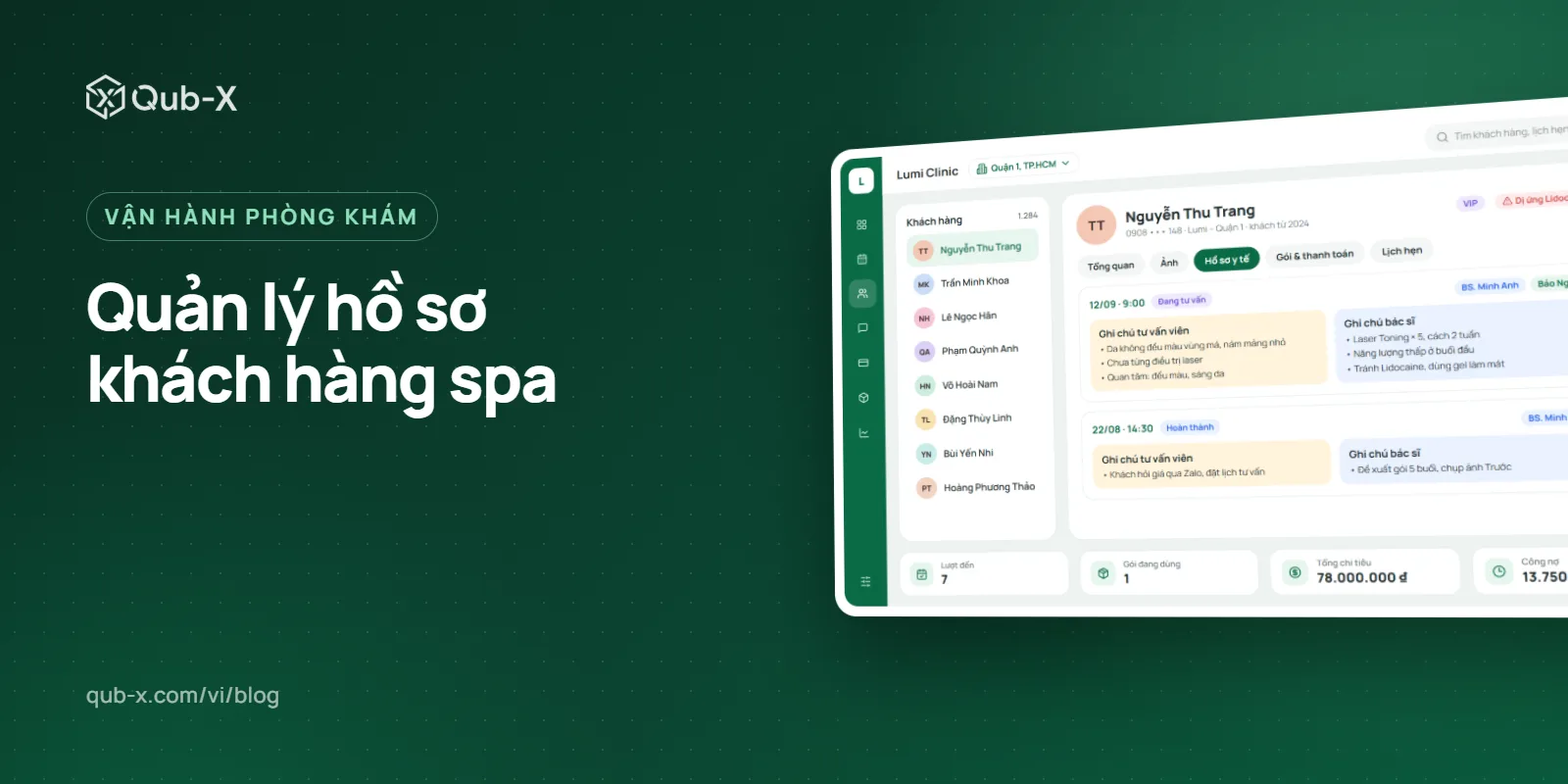
Managing spa customer records well means every customer has exactly one record, where consultation messages, appointments, treatment packages, before-and-after photos, payments and care notes all sit on a single timeline. This article looks at the hidden cost of scattered data, the information a customer record actually needs, and a 30-day plan to bring everything into one place without disrupting day-to-day operations.
Where does scattered customer data come from?
Most spas and clinics don't scatter their data on purpose. It starts quite naturally: consultants reply to customers on their personal Zalo, the front desk writes appointments in a notebook or Google Sheets, doctors keep treatment notes on paper, and the accountant tracks payments in a separate Excel file. Each team picks whatever tool is most convenient for them.
The problem only shows up when someone needs to put the pieces together. A customer comes back after three months and asks about the treatment package they had and how many sessions are left, but the person at the desk isn't the one who advised them last time. Now the spa has to dig through old messages, ask colleagues, or guess.
Spa customer records: what should each record contain?
A good record isn't the one with the most fields; it's the one with enough information for the customer's next step. The table below splits it into 6 groups, showing who updates each one and who can see it.
Information group | What it includes | Updated by | Visible to |
|---|---|---|---|
Identity and contact | Full name, phone number, date of birth, preferred contact channel | Consultant, front desk | Every customer-facing role |
Source and needs | Which channel the customer came from, services of interest, budget | Consultant | Consultant, manager |
Health and precautions | Allergies, underlying conditions, current medication, contraindications | Doctor, therapist | Staff who treat the customer directly |
Service history | Services received, treatment sheets, before-and-after photos (with the customer's consent) | Doctor, therapist | Treating staff, clinical manager |
Transactions | Invoices, treatment packages, prepaid cards, sessions remaining, outstanding balance | Cashier | Cashier, manager |
Care | Follow-up calls, return visits, feedback and complaints | Customer care | Consultant, manager |
Health information and service history are sensitive data. Only the staff treating the customer should be able to see them, and every view, edit and export should be logged. Our guide to customer data security and permissions in aesthetic clinics explains how to set up access rights.
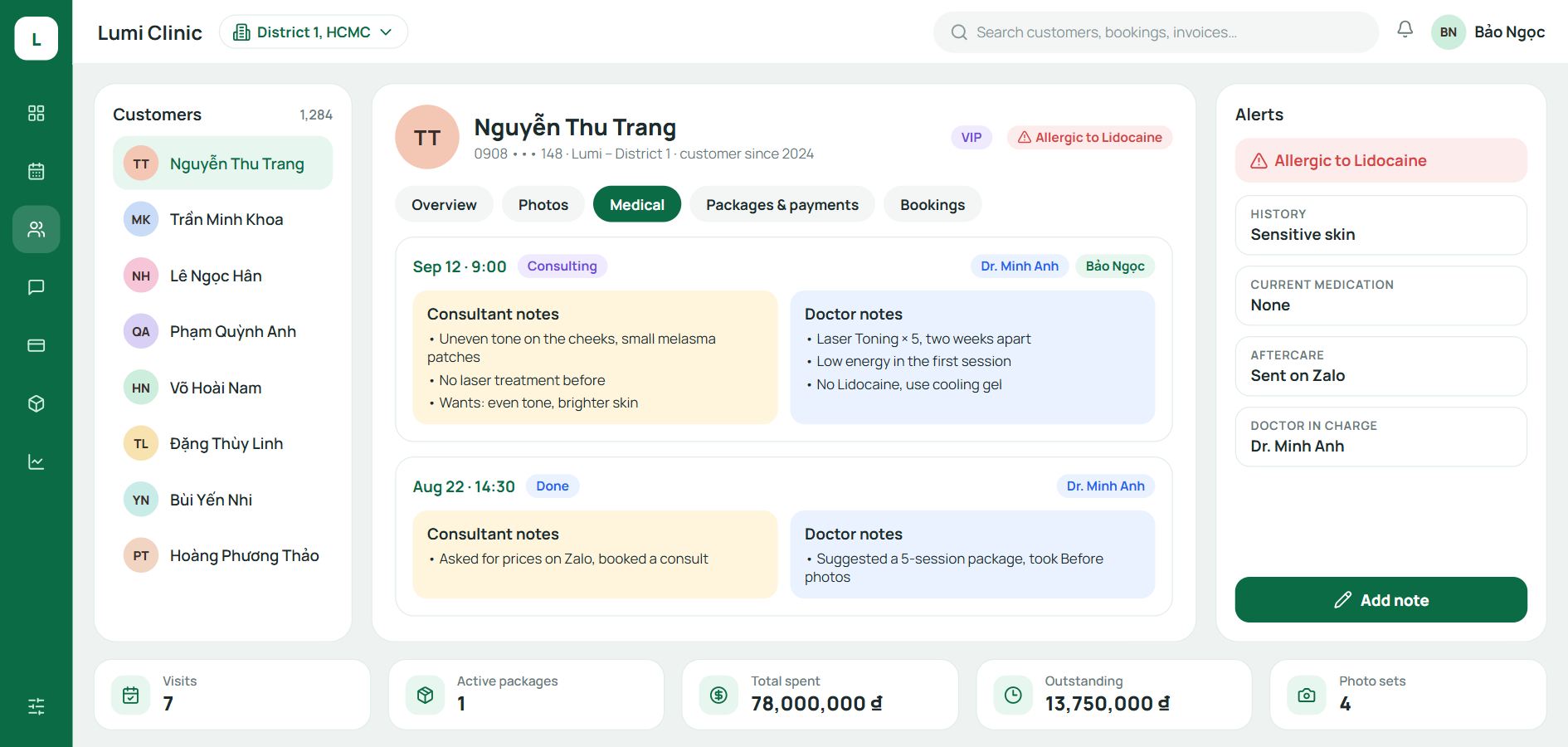
The rule: one customer, one record
The fix isn't asking everyone to take more careful notes; it's making every touchpoint feed into the same record. Three rules keep this principle in place:
One shared identifier. The phone number is the most common way to identify a customer. Before creating a new record, always search by phone number to avoid duplicates.
Merge duplicates as soon as you spot them. Two records for the same customer means their history is split in half.
No consulting from personal accounts. Every conversation goes through the spa's own accounts, so the history stays when an employee leaves.
With the record at the center, a new staff member can take over an existing customer just by opening one screen, and managers see each customer's full journey instead of disconnected numbers.
A 30-day plan to bring your data into one place
Don't try to move all your historical data in one go. The plan below puts the customers who generate revenue and carry risk first.
Days 1–7: Pick a start date. From that day on, every new customer, new appointment and new transaction goes through the shared system. Old files are for reference only.
Days 8–21: Import priority customers. Customers partway through a treatment package, customers with an outstanding balance, and loyal customers. These are the groups most likely to end up in a dispute if data is missing.
Days 22–30: Clean up. Merge duplicate records, set old Excel files to read-only, and tell the team that the shared system is now the single source of truth.
Other past customers can be added gradually as they come back. This approach gives the spa clean data from the very first month without having to pause operations.
Bringing data together is much easier when each step of the customer journey is already standardized. See our article on the aesthetic clinic operations process to learn who updates which information at each step. When choosing a tool, Qub-X is one option, with customer records tied to the inbox, appointments, treatment packages and payments.
Frequently asked questions
Should we identify customers by phone number or by customer ID?
The phone number is the most practical choice, because customers always remember it and most messaging channels are tied to a phone number. A customer ID can be used internally as well, but everyday searches should rely on the phone number.
Do we need to re-enter all our past customers?
No. Start with customers partway through a treatment package, customers with an outstanding balance and loyal customers. Everyone else can be added when they come back.
What happens to customer data when an employee leaves?
If every conversation goes through the spa's shared accounts, the data stays, and you only need to hand those customers over to a new owner. Lock the employee's account on the day they leave.
What should we keep in mind when storing before-and-after photos?
Only take and store photos once the customer has agreed, keep them on the spa's system rather than on personal phones, and limit viewing to the staff who treat the customer. To use the photos in advertising, you need the customer's separate consent for that purpose.
Related articles
All articles on Staff & commission- Staff & commission
Aesthetic clinic operations: a 7-step process and SOP checklist
Having enough staff yet always feeling short-handed is usually a sign of a fragmented process. Here are 7 standard steps from intake to follow-up visit, with a responsibilities table and a checklist for each step.
- Staff & commission
Spa management software: how to choose one for your whole workflow
Good spa management software brings consultations, appointments, customer records, treatment packages, payments and aftercare into one system. This guide helps you choose the right one and roll it out without disrupting your daily operations.
- Electronic medical records
EMR for Aesthetic Clinics: Which Facilities Must Implement by December 31, 2026, and How to Prepare
Under Circular 13/2025/TT-BYT, aesthetic and dermatology clinics licensed to provide medical examination and treatment must complete the implementation of electronic medical records by December 31, 2026. This article summarizes which facilities are in scope, what to prepare, and how Qub-X is building its EMR feature.