
Debt Management Software for Clinics: 6 Things It Must Do
Debt management software for clinics should record what a client owes on the original order, group it by client, and separate overdue from soon-due amounts. Includes a 6-point table and the 3 groups to check daily.

In this article · 7 sections
Debt management software for a clinic should record what a client still owes directly on the original order, group it by client, and clearly separate overdue amounts from amounts coming due soon. Without these three things, the clinic still has to keep a separate Excel file, and the two sets of numbers will drift apart sooner or later.
Updated November 26, 2026.
Quick summary
At aesthetic clinics, debt mostly comes from treatment courses paid in instalments and high-value packages.
The 6 things the software must do: record debt on the original order, group by client, split by due date, collect debt without creating a new order, calculate commission on money actually received, and write off debt without counting it as revenue.
Each day you only need to look at three groups: overdue, due within 7 days, and collected in the last 30 days.
The right time to remind is before the next appointment, not after the client has stopped coming.
Where does debt come from at an aesthetic clinic?
Debt appears when a client has agreed to a service but has not paid in full. There are three common sources:
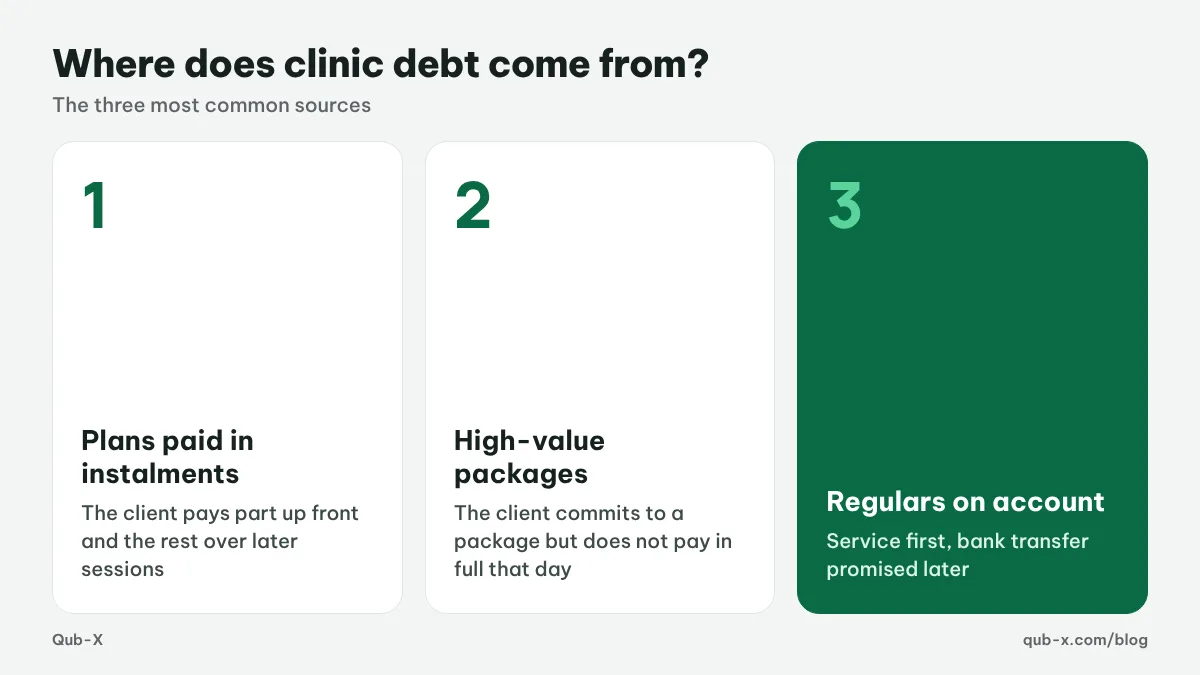
Courses paid in instalments. The client pays part upfront and the rest over later sessions.
High-value packages. The client commits to a package but does not pay in full on the day.
Regular clients on credit. They have the service first and promise to transfer the money later.
Why is tracking debt in Excel so error-prone?
Excel goes wrong because it is separate from the order: every time a client pays more, someone has to remember to open the file and edit it. Three common results:
The receptionist collects more money but the debt file is not updated, so the accountant chases a client who has already paid.
Nobody knows which amounts are overdue until the client stops coming.
Commission is calculated on the order value while the money has not fully come in.
For how to move your old data across, see moving client data from Excel to a CRM.
What 6 things should debt management software do?
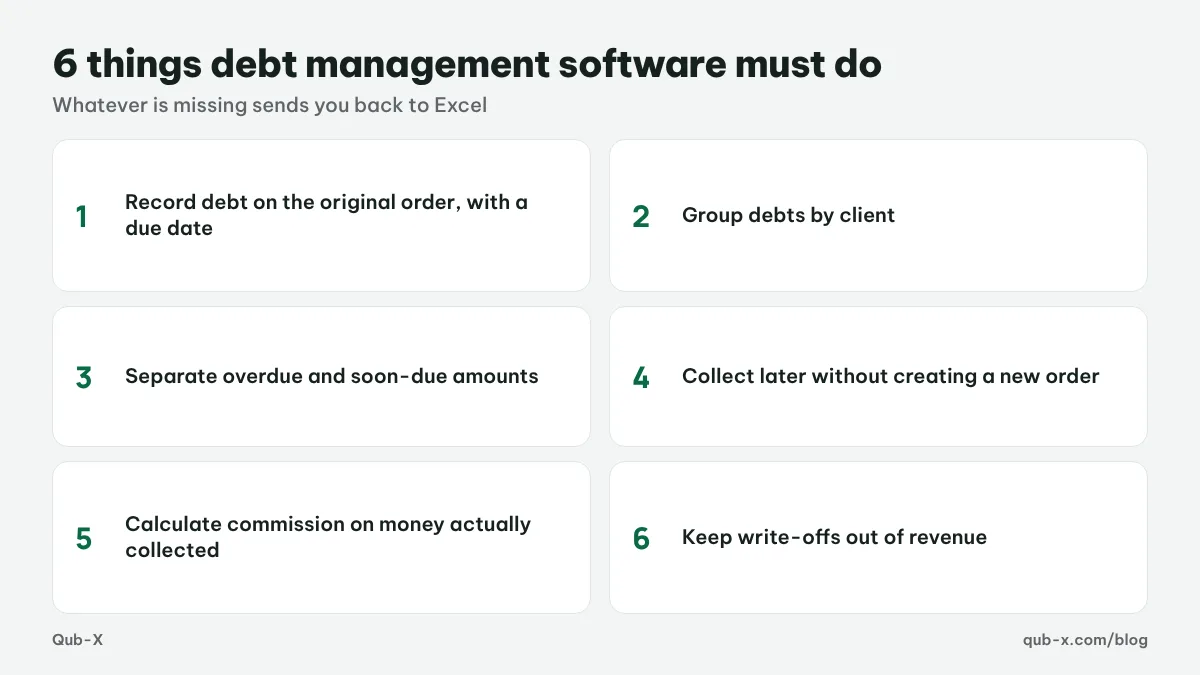
What it must do | Why you need it | If it is missing |
|---|---|---|
1. Record debt on the correct original order, with a due date | You know which service the client owes for, and until when | You only get one total figure that cannot be cross-checked |
2. Group debt by client | One client may owe on several orders | You must open each order and add up by hand |
3. Separate overdue from soon-due | You know who to remind today | Reminders come late, after the client has stopped coming |
4. Collect debt later without creating a new order | Revenue is not counted twice | The revenue report is inflated |
5. Commission on money actually received | Staff are motivated to collect in full | You pay commission on money that has not come in |
6. Write off debt without counting it as revenue | Figures reflect real money | Phantom revenue on reports |
Which debt groups should you check every day?
You only need three groups, split by due date rather than rolled into one number:
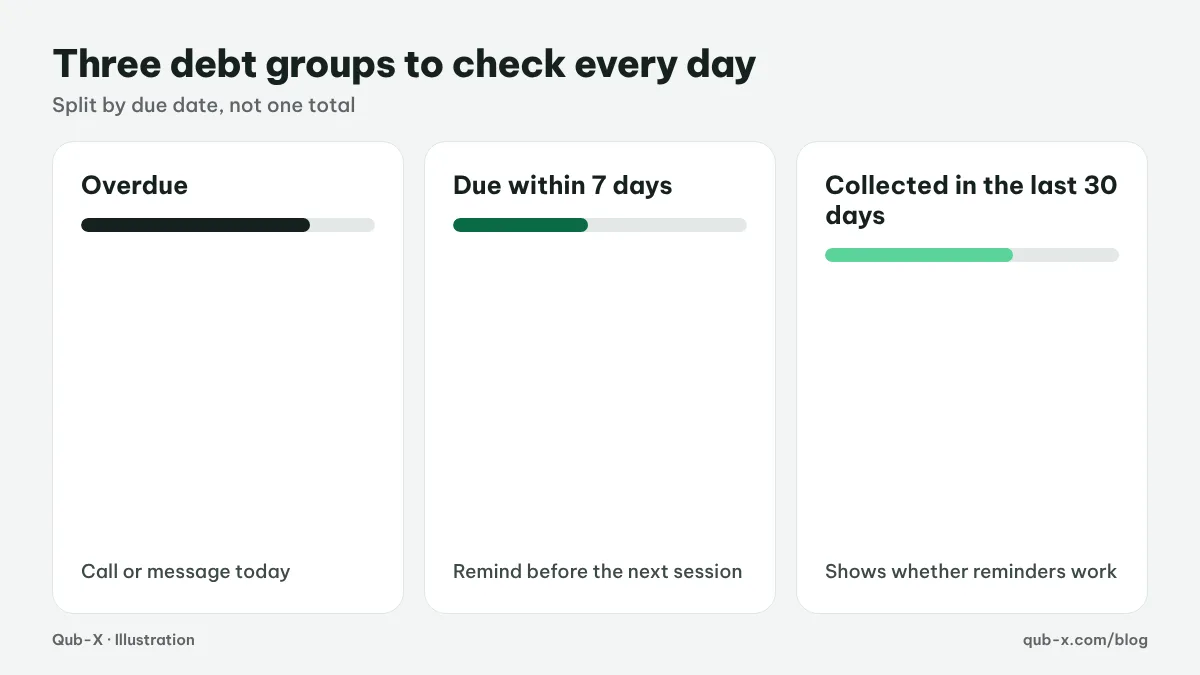
Overdue: call or message the same day.
Due within 7 days: remind before the client comes for the next session.
Collected in the last 30 days: shows whether your reminders are working.
The reminder works best alongside the appointment reminder, for example: "Your session 3 is this Friday, and you can pay the rest of your package when you arrive." For how to write these messages, see the post-treatment client care process.
How does Qub-X manage debt?
In Qub-X, a client can pay part of an order; the unpaid part stays on that same order as debt, and you can set a due date. Specifically:
The Debt page groups by client and separates overdue amounts, amounts due within 7 days, and the amount collected in the last 30 days.
Later debt payments are recorded on the original order, with no new order needed.
The payment ledger filters by Unpaid, Partly paid, Paid and Cancelled; you can print receipts and export to Excel.
For treatment packages, the number of sessions unlocked is proportional to the amount the client has paid.
Commission is calculated on money actually received: it goes up when debt is collected and down when money is refunded.
Written-off debt is not counted as revenue.
Details are on the page about Qub-X payments and debt management. When you take payment in advance for a service, check with your accountant when the invoice must be issued; the post on e-invoices for clinics explains this in more detail.
When a clinic collects payment in advance for a service, it must also issue the invoice at the moment of collection under Decree 254/2026/ND-CP. See the EY tax update and the invoice timing section of Thu Vien Phap Luat (both in Vietnamese); our article on clinic e-invoices explains it in more detail.
Frequently asked questions
Should you let clients pay for a course in instalments?
You can, if the clinic sets a clear due date and only unlocks the number of sessions that matches the amount paid. This keeps the client without letting debt run ahead of the service delivered.
Which day's revenue does a debt payment go into?
The software should record the payment on the day it is collected and link it to the original order, so nothing is counted twice. How it is booked in the accounts is for your clinic's accountant to decide.
What do you do in the software when a client owes for a long time and does not pay?
Once you have determined the money cannot be collected, the debt is written off and not counted as revenue, so your reports no longer show phantom figures.
To see the debt page grouped by client, you can book a free demo, about 10 minutes over Google Meet.
Related articles
All articles on Reporting & growth- Reporting & growth
How to Measure CRM Effectiveness: 5 Metrics for Aesthetic Clinics After 90 Days
Measure CRM results with 5 operational metrics, comparing before you start with 90 days after. Includes how to build a baseline from notebooks and Excel, plus a table for reading the results at an aesthetic clinic.
- Reporting & growth
Free CRM for Aesthetic Clinics: How Far Can It Take You Before You Should Pay?
A free CRM is enough for a small, single-location clinic. See the 3 types of free CRM, the limits you will usually hit, and 6 signs it is time to move to a paid plan.
- Reporting & growth
What Does CRM Implementation Cost for an Aesthetic Clinic Chain Include?
CRM implementation costs for an aesthetic clinic chain fall into 5 groups, not just the software fee. Includes a worksheet to calculate your 12-month total and 7 pricing questions to ask vendors.