
Clinic Customer Management Software: How to Choose the Right One
Messages in personal Zalo accounts, bookings in a notebook and records in a different Excel file at each branch make a clinic lose track of clients. This guide helps you choose clinic customer management software, with the 8 core features it needs.
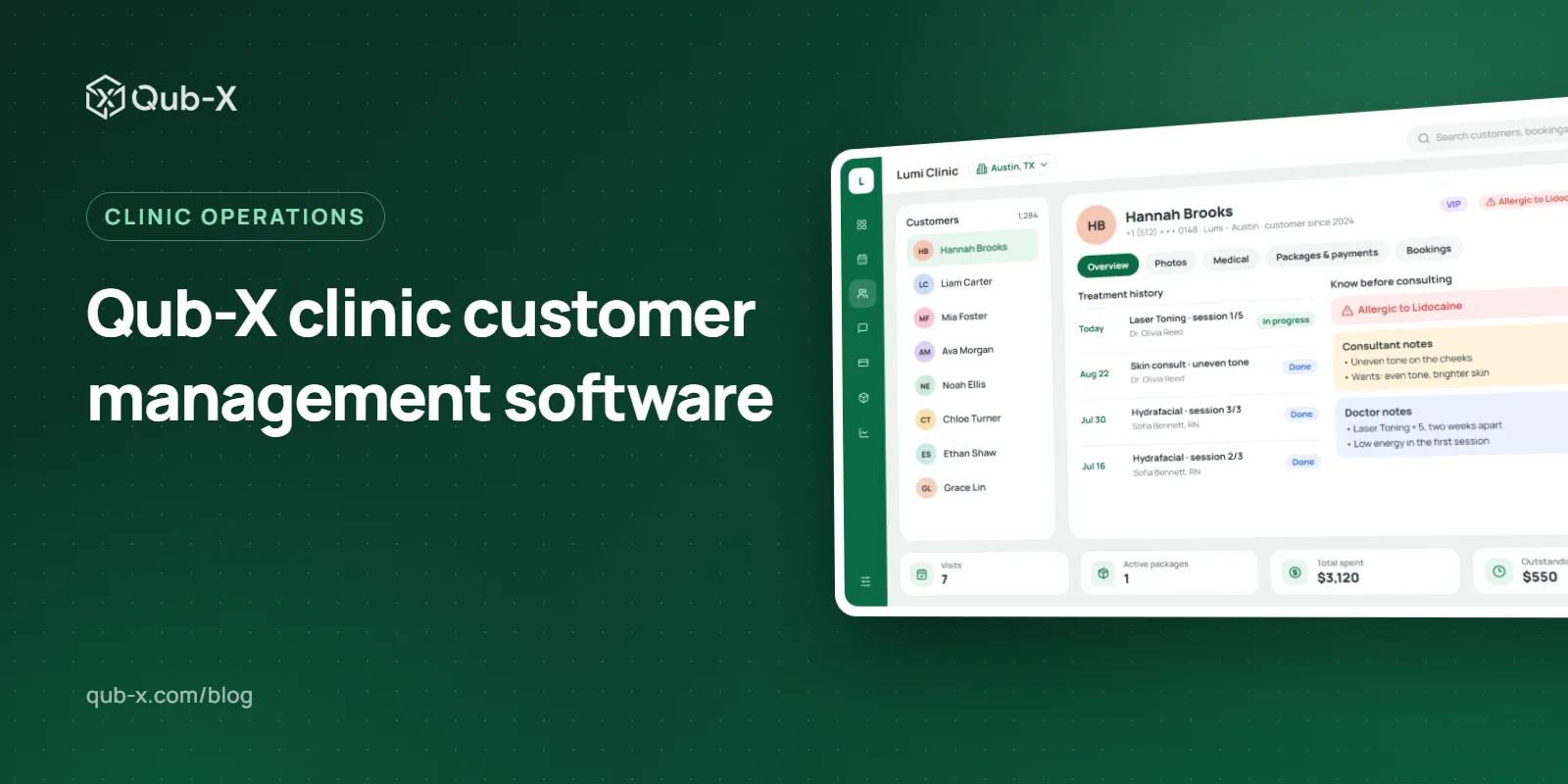
Every day, an aesthetic clinic answers price questions on Zalo, Messenger and Instagram, schedules doctors, therapists and treatment rooms, and keeps each client's record, before-and-after photos and treatment packages. When each job lives in a different tool, messages get missed, bookings clash and records are hard to find when a client comes back. Clinic customer management software brings these jobs into one place. This article explains what it is, the 8 core features it needs and how to choose the right one.
1. What is clinic customer management software, and why use it?
Clinic customer management software is a system that keeps everything about a client in one place: their record, bookings, consultation and treatment history, payments and aftercare. Unlike notebooks or separate files, it is online customer management software: the receptionist at the desk, the doctor in the treatment room and the manager at another branch all see the same data.
The problem with scattered tools
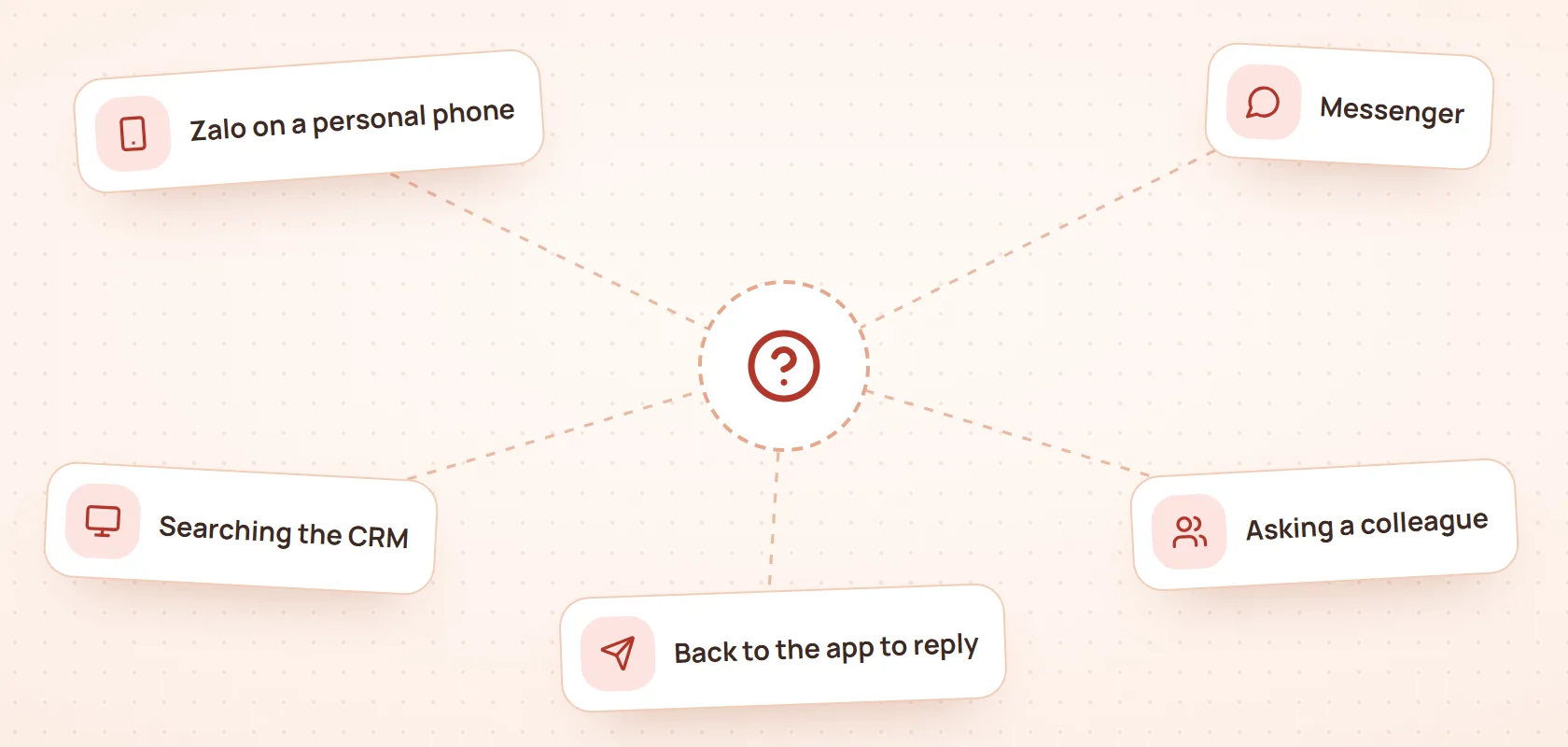
Many clinics start with familiar tools: consultants' personal Zalo accounts, a paper book at reception, one Excel file per branch. With few clients, this works. As clients grow, the problems start:
Messages sit on each person's phone; when someone leaves, the consultation history leaves with them.
Handwritten bookings clash on time or room, and reminders get forgotten.
When a client visits another branch, nobody can see their record and the questions start again.
At the end of the month, remaining sessions and balances are reconciled by hand.
The benefits of managing clients online
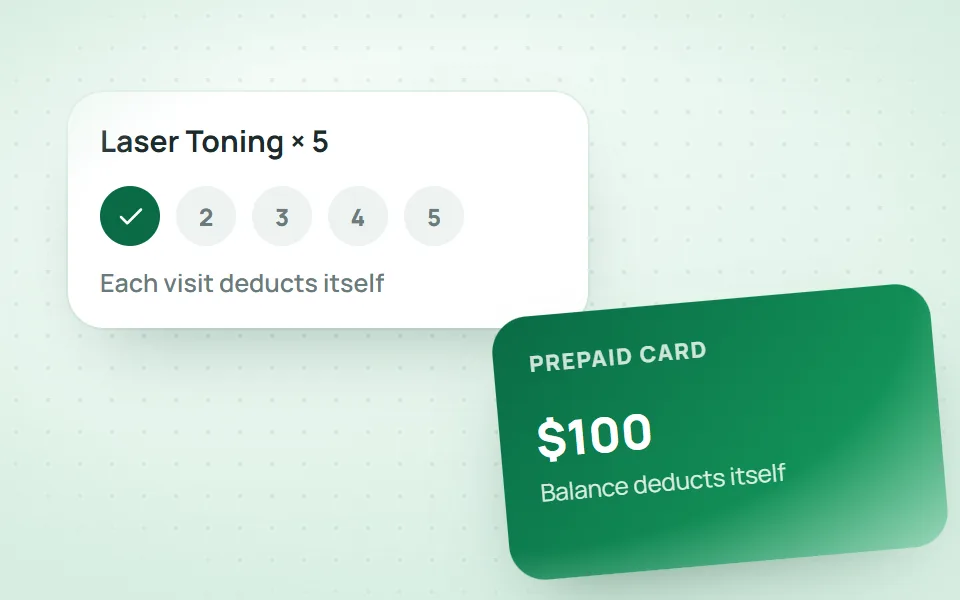
Once client management moves online, each client has one record shared by every team and branch. Messages from every channel arrive in one inbox, bookings come with reminders and treatment packages deduct a session after each visit. Managers see how each branch is doing without waiting for an end-of-day report. Above all, client data belongs to the clinic, not to one staff member's phone or files.
2. CRM customer management software: 8 core features
Whether it runs an aesthetic clinic, a dermatology clinic or a spa, clinic customer management software needs the 8 features below. Take this list with you to any demo of online customer management software.
Feature | What it solves |
|---|---|
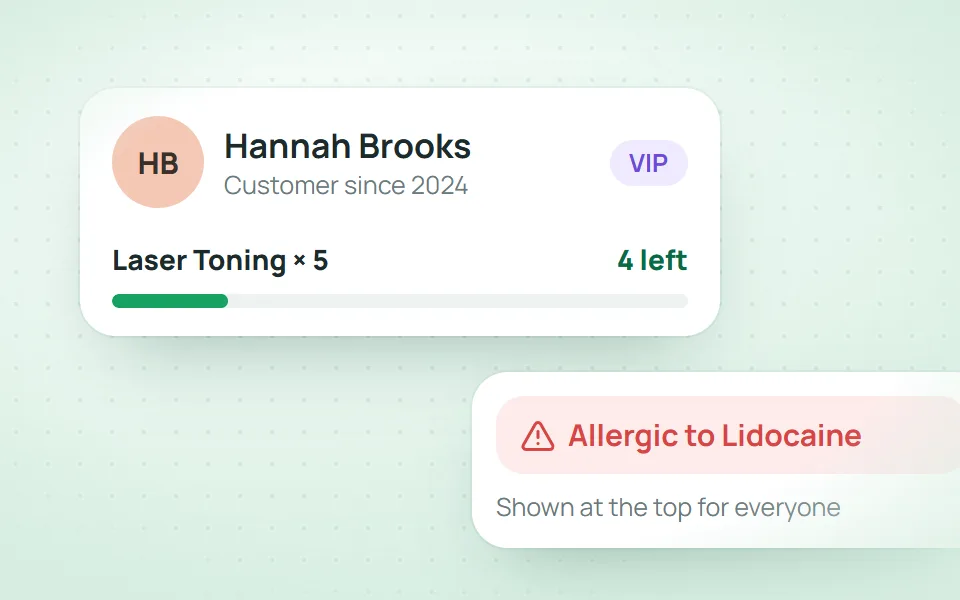
Client records | Service history, photos and allergies in one place |
Scheduling | One calendar for rooms, beds and staff; drag to reschedule |
Packages and prepaid cards | Sessions and balances deducted automatically |
Aftercare | Each visit gets its own follow-up schedule |
Unified inbox | Zalo, Messenger, WhatsApp and more in one inbox |
Staff commission | Calculated per order, exported at month end |
Permissions and activity log | Each role sees only its own part |
Electronic medical records | Records kept up to date under Circular 13/2025/TT-BYT |
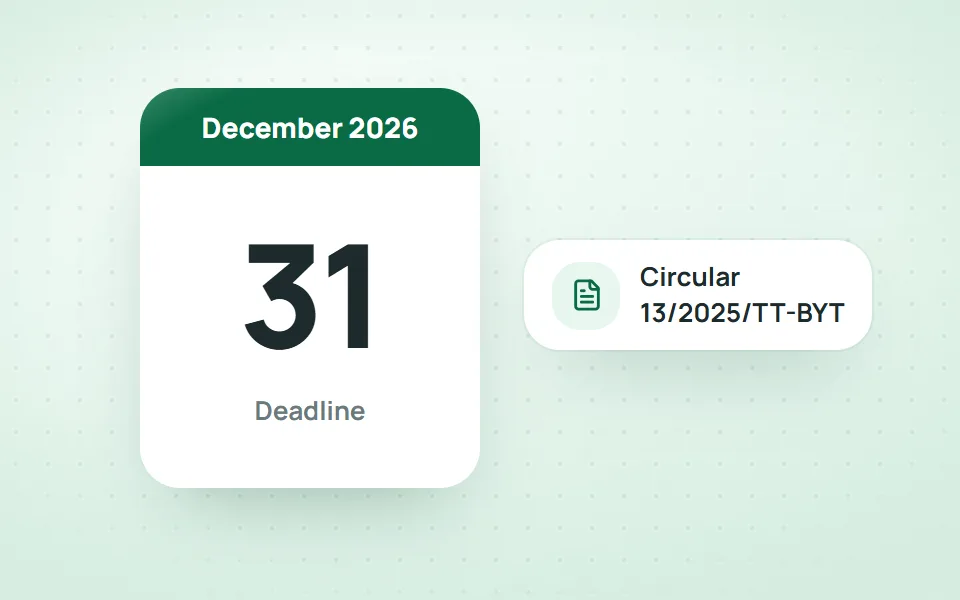
The last feature is becoming mandatory for licensed clinics in Vietnam. Under Circular 13/2025/TT-BYT, clinics must complete electronic medical records by 31 December 2026, and the Ministry of Health has issued Directive 04/CT-BYT on speeding up electronic medical records (in Vietnamese). So when choosing customer management software, ask about its plan for electronic medical records, so the clinic does not have to switch systems again.
3. Why do many clinics choose Qub-X as their clinic customer management software?
Qub-X is clinic customer management software for aesthetic clinics, dermatology clinics and spas, built by Coauths in Ho Chi Minh City. These four points show why it suits clinics that want to manage clients properly.
One record for the whole client journey
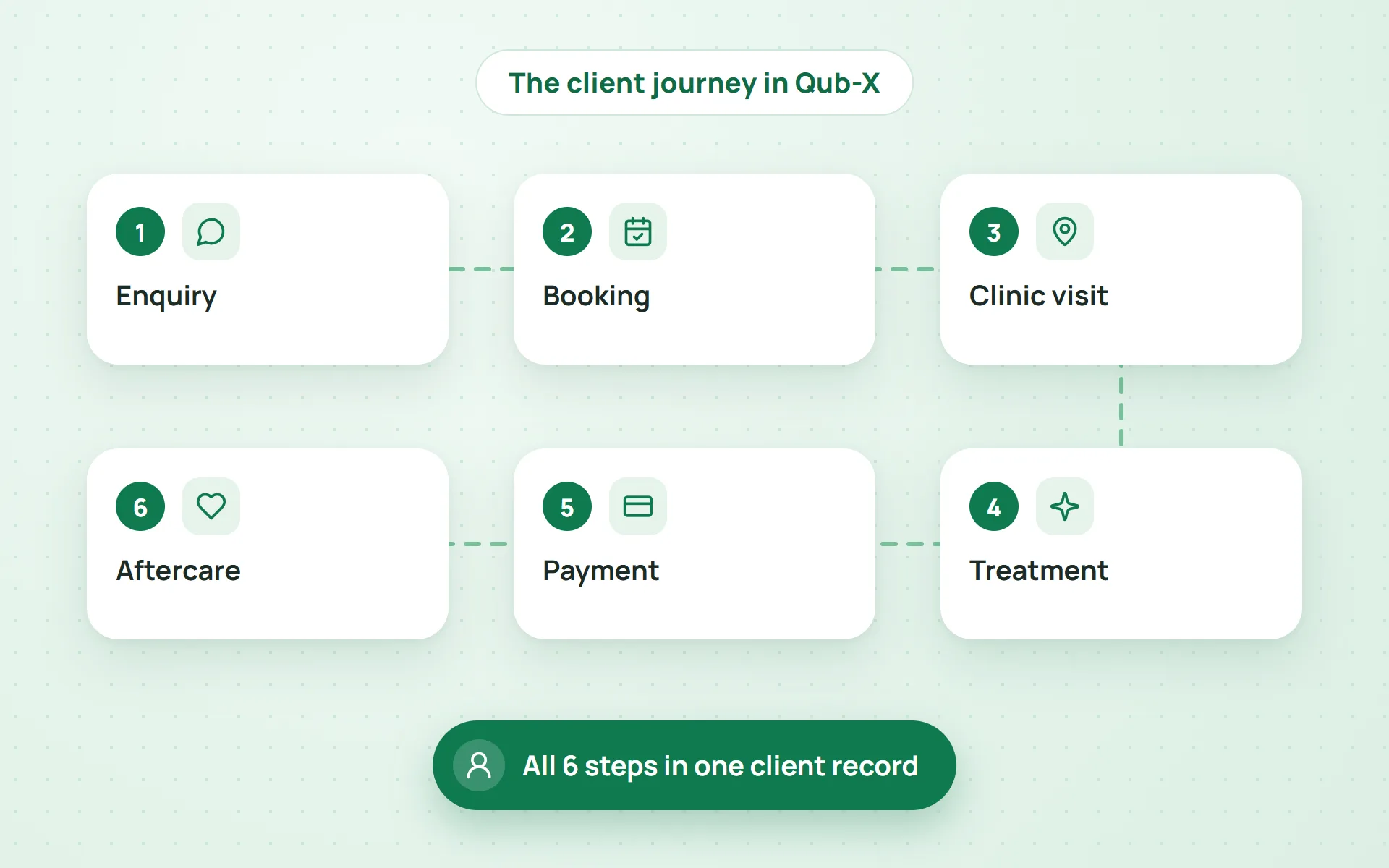
Every client goes through 6 steps: enquiry, booking, the clinic visit, treatment, payment and aftercare. In Qub-X, all 6 steps are recorded in the same client record: the first message from the unified inbox, bookings, treatment notes, invoices and the aftercare schedule. Anyone who opens the record knows where the client is.
Running for real, every day
Qub-X runs at an aesthetic clinic chain with 3 branches, about 500 staff and more than 3,500 bookings a month. The features in this article are used every day on real work, not only in a demo.
Easy to learn, with people beside you
The interface comes in Vietnamese, English and Korean, and receptionists and therapists only learn their own part. Clinics get a 14-day trial, and the Qub-X team moves data over from Excel or old software and trains each team until they are comfortable.
Coming soon
Qub-X will soon launch electronic medical records (EMR) under Circular 13/2025/TT-BYT, with outpatient records, ICD-10 diagnoses and electronic confirmation. Clinics will manage clients and medical records in one system, ahead of the 31 December 2026 deadline.
4. Frequently asked questions
How is clinic customer management software different from a regular CRM?
A regular CRM tracks clients by order. Clinic software also follows multi-session treatments, before-and-after photos, allergy alerts, room and doctor schedules, and aftercare.
Can one system manage several branches?
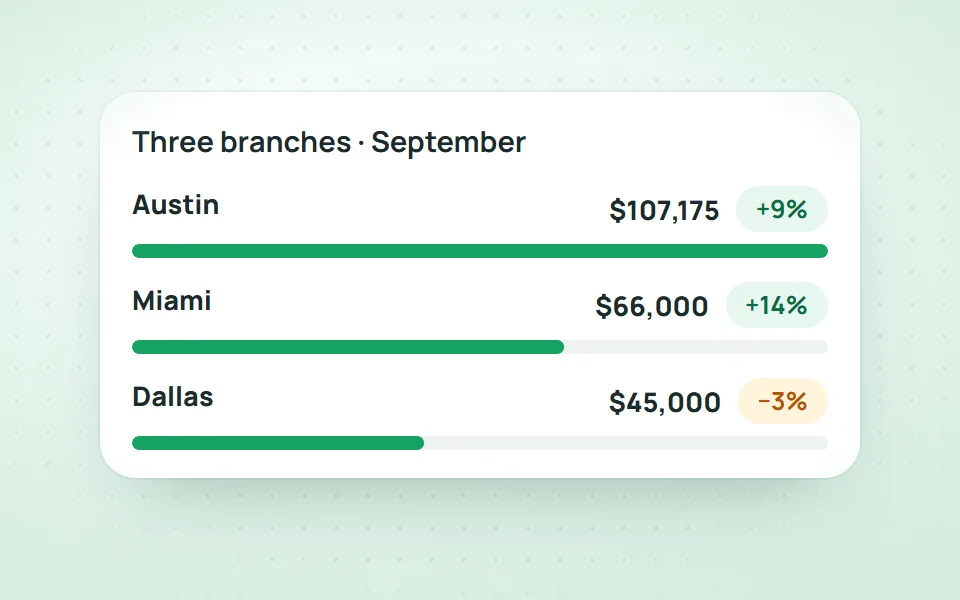
Yes. Branches share client records, access is limited by branch, and reports show each branch alone or the whole chain.
Can old data from Excel or other software be moved over?
Yes. The Qub-X team moves client records, treatment packages and balances from Excel or old software, then checks them before the clinic goes live.
How long do rollout and staff training take?
It depends on the number of branches, the amount of old data and current workflows. The demo helps set the rollout scope and training plan, and clinics can try Qub-X for 14 days before deciding.
Which languages does the software support?
Vietnamese, English and Korean. Each user picks their own display language; the clinic's shared data stays the same.
Conclusion
Choosing the right clinic customer management software means choosing a system the whole team can use every day: a record of the full journey, clear bookings, packages that deduct themselves, no missed messages and readiness for electronic medical records. Compare the 8 features above with how your clinic really works before you decide. Qub-X already runs every day at a 3-branch aesthetic clinic chain. Book a demo or try Qub-X free for 14 days to see how Qub-X manages clients for your clinic.
Related articles
All articles on Clinic operations- Clinic operations
Clinic Management System: 6 Features You Need
When consultations, appointments and treatment packages sit in different tools, a clinic loses control of its operations. These are the 6 features to check before choosing a clinic management system.
- Clinic operations
Why Beauty Salon Management Software From Qub-X Matters
Messages in several apps, appointments in a notebook and client history on staff phones make it hard for spas and beauty salons to follow each client. This is the role of beauty salon management software as one central platform.
- Clinic operations
Clinic Management Software: How Qub-X Helps Businesses Manage Clients
Customer details scattered across Zalo, Excel and the appointment book make it hard for a clinic to care for clients and keep operations under control. Here is how clinic management software fixes that with one central system.